

UI Design Tips by Jim Raptis
Learn how to design better user interfaces with 100+ practical UI design tips and real examples — covering spacing, color, typography, buttons, and cards. Every tip is tested in real-life products.
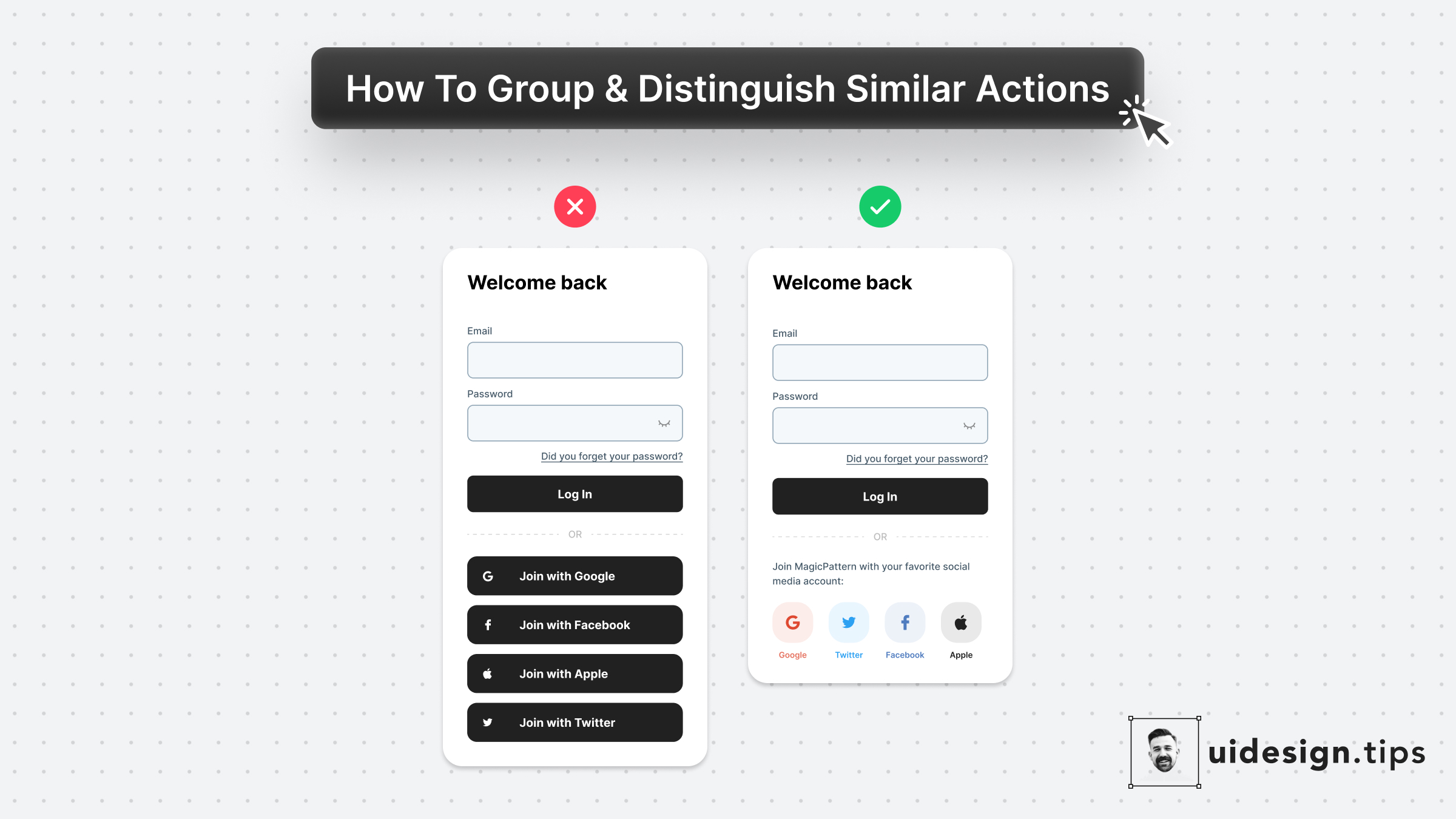
Social Login
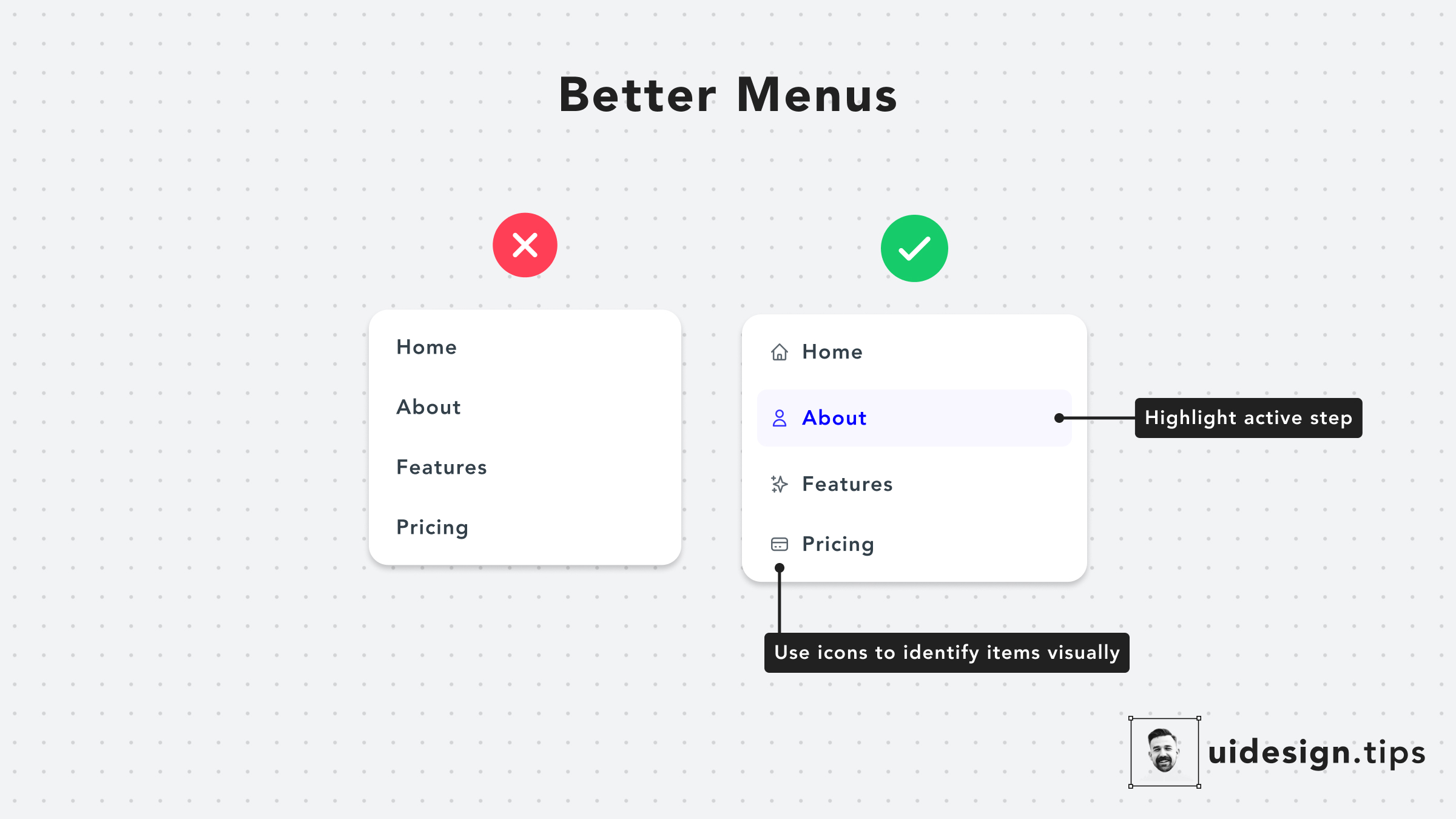
Design Better Menus
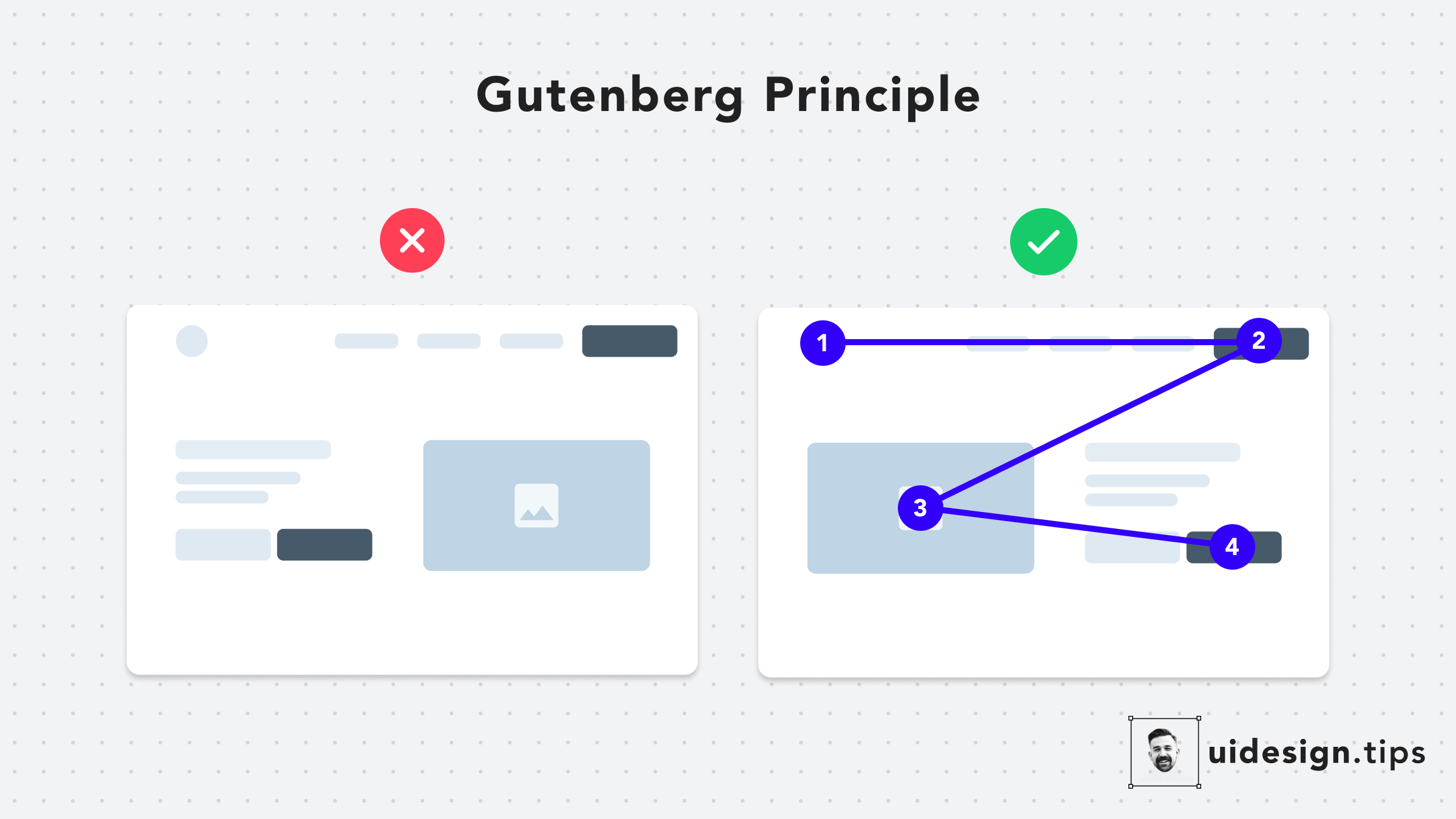
The Gutenberg Principle
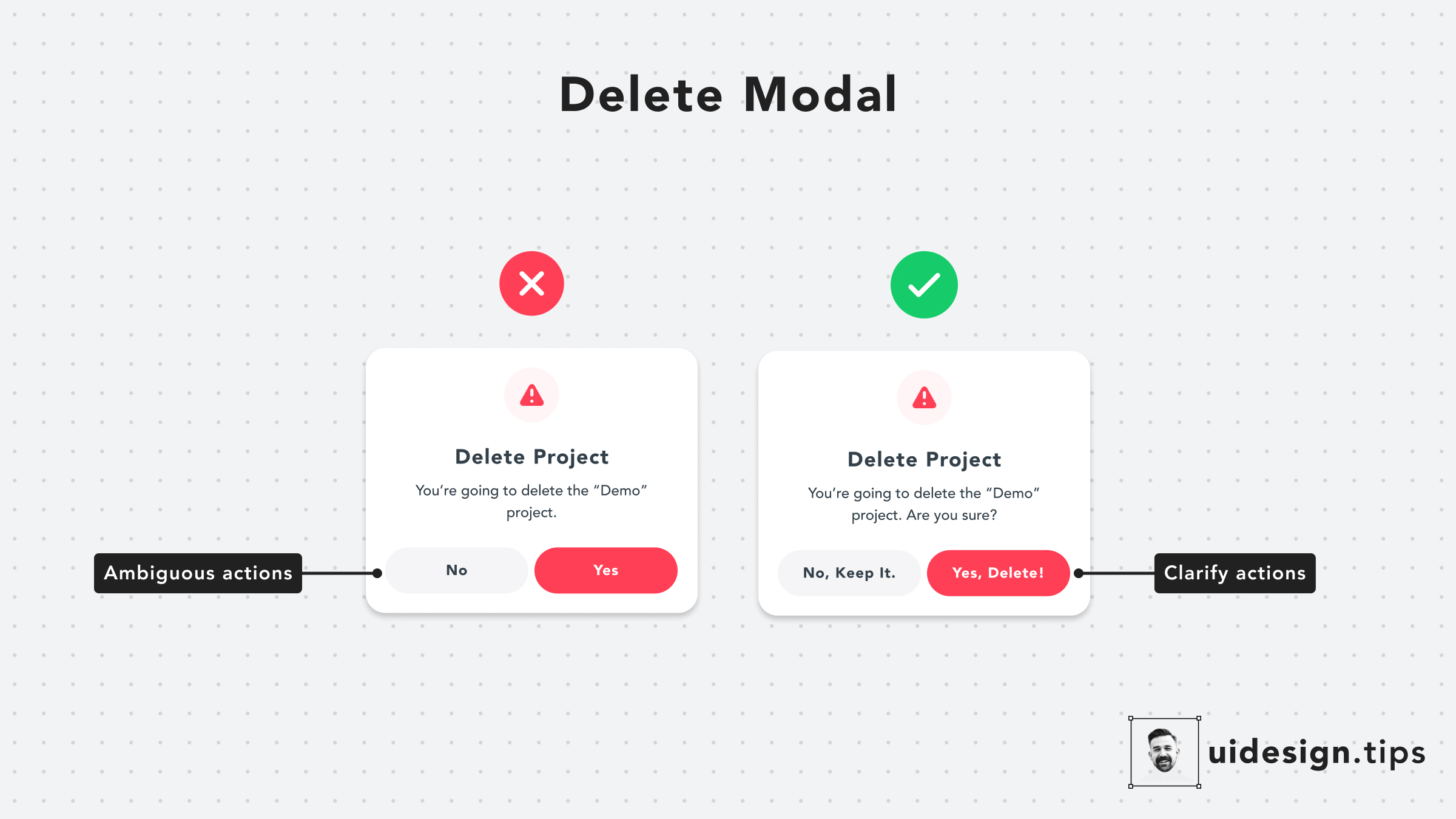
Delete Modal
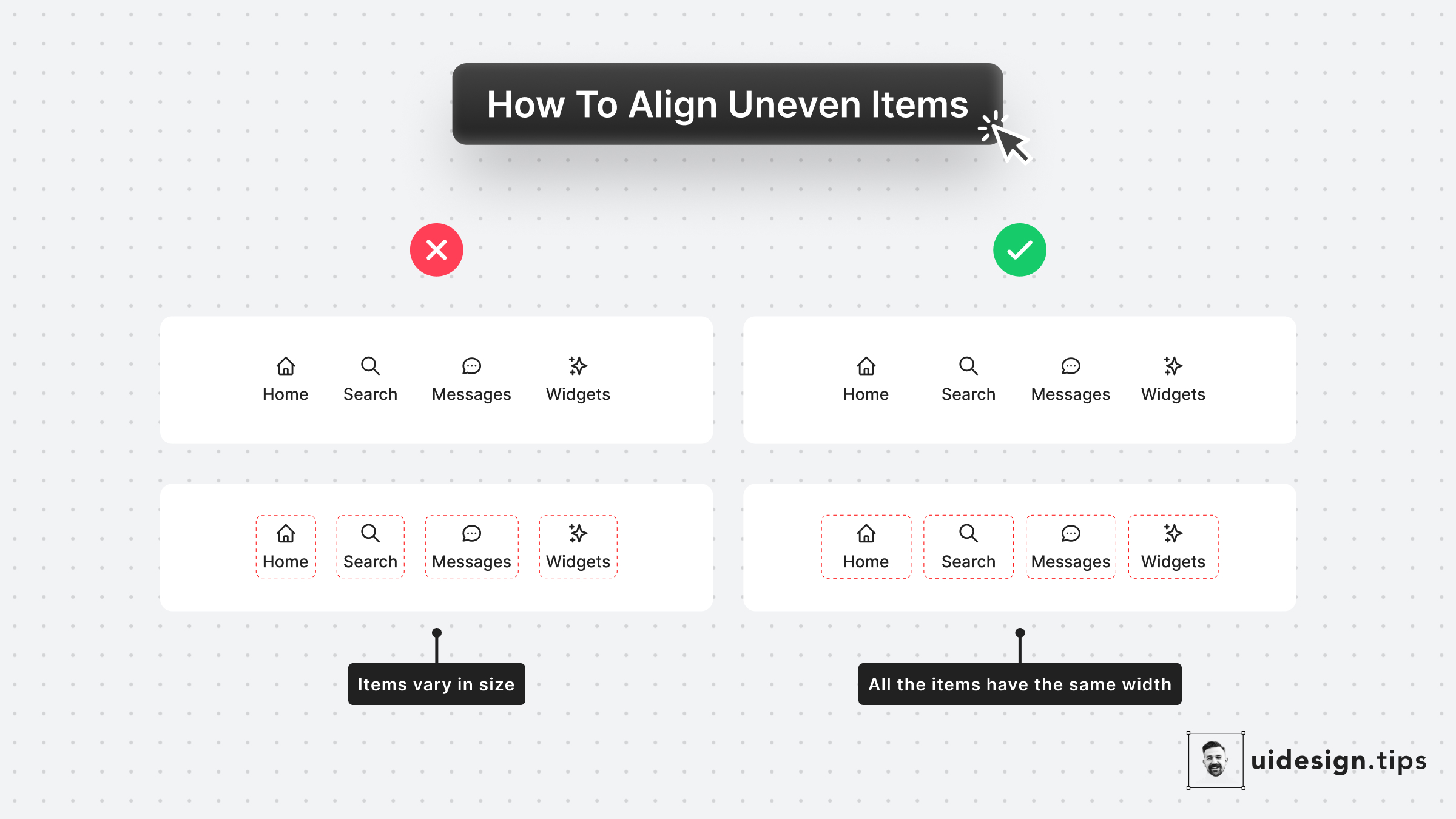
Align Uneven Elements
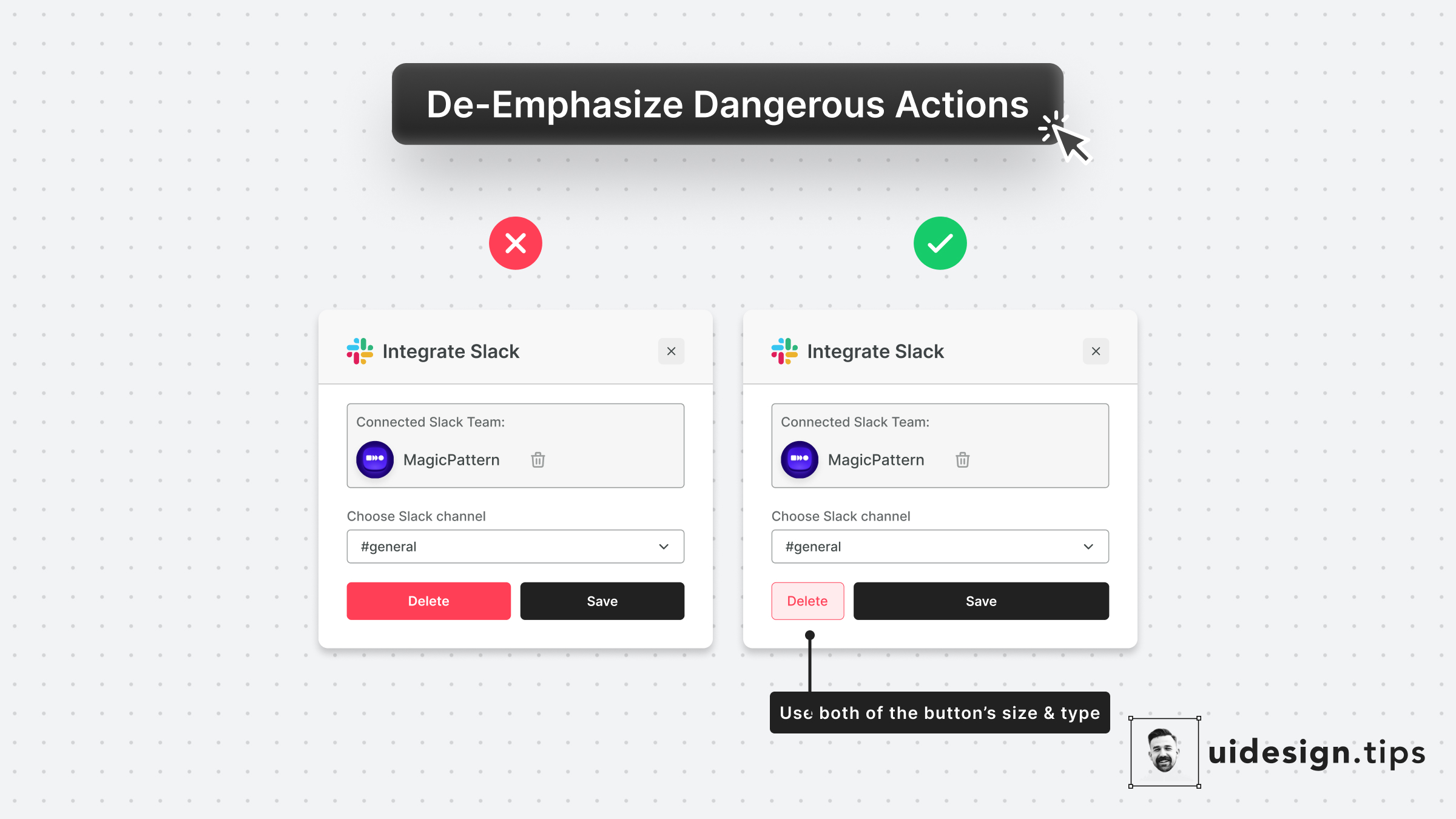
De-emphasize Dangerous Actions
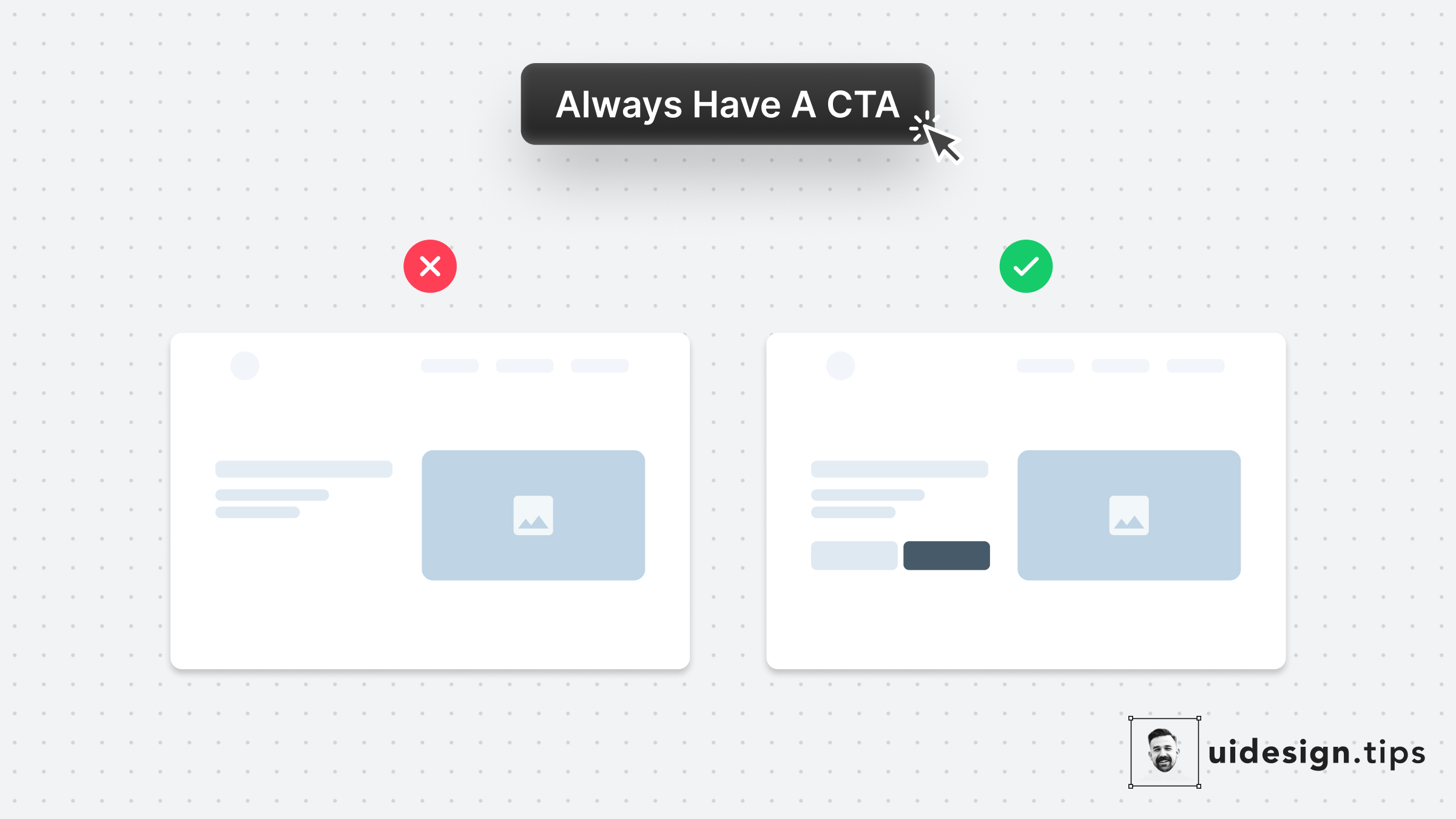
Always Have A CTA

The Perfect Header
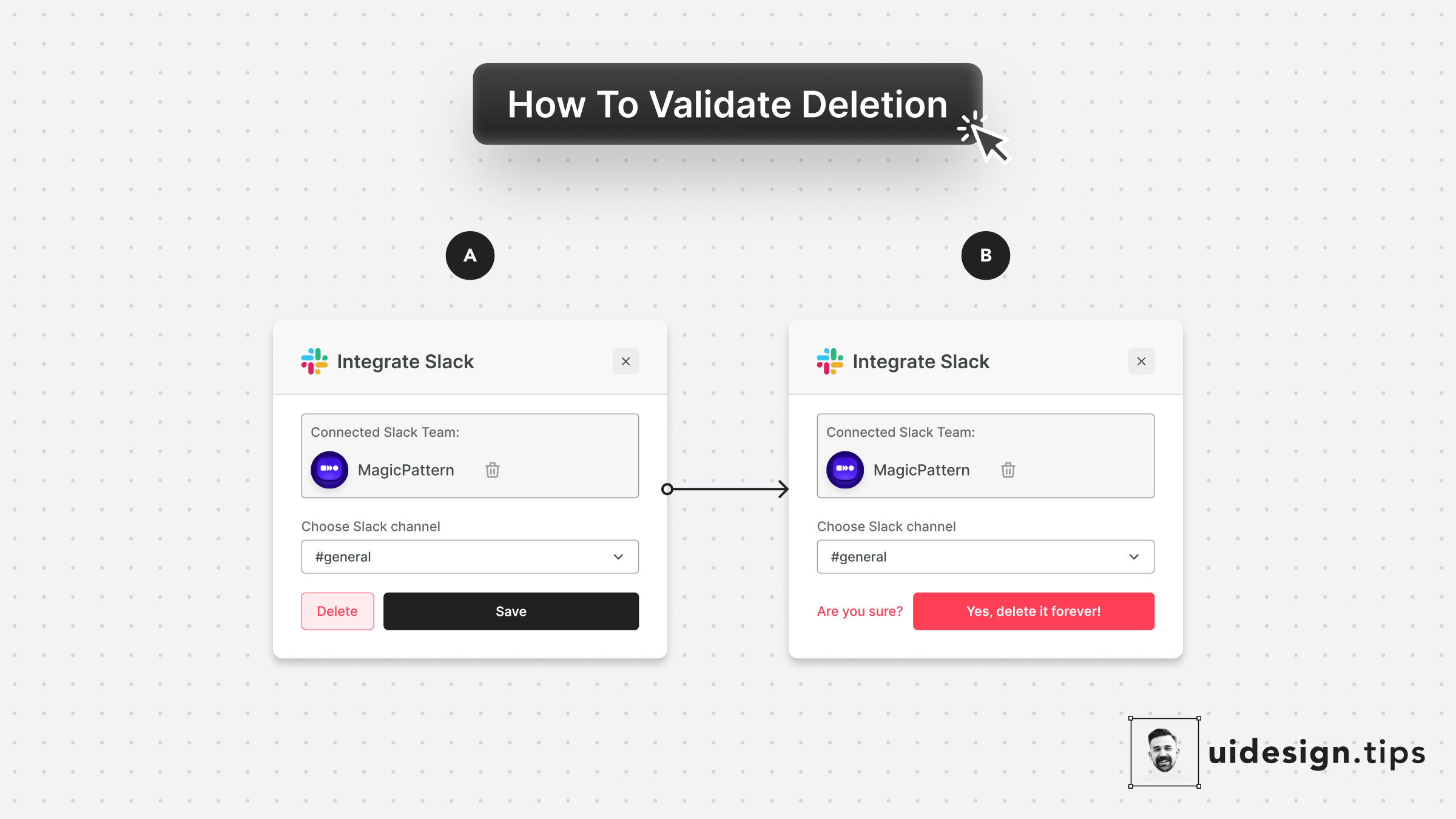
Validate Deletion
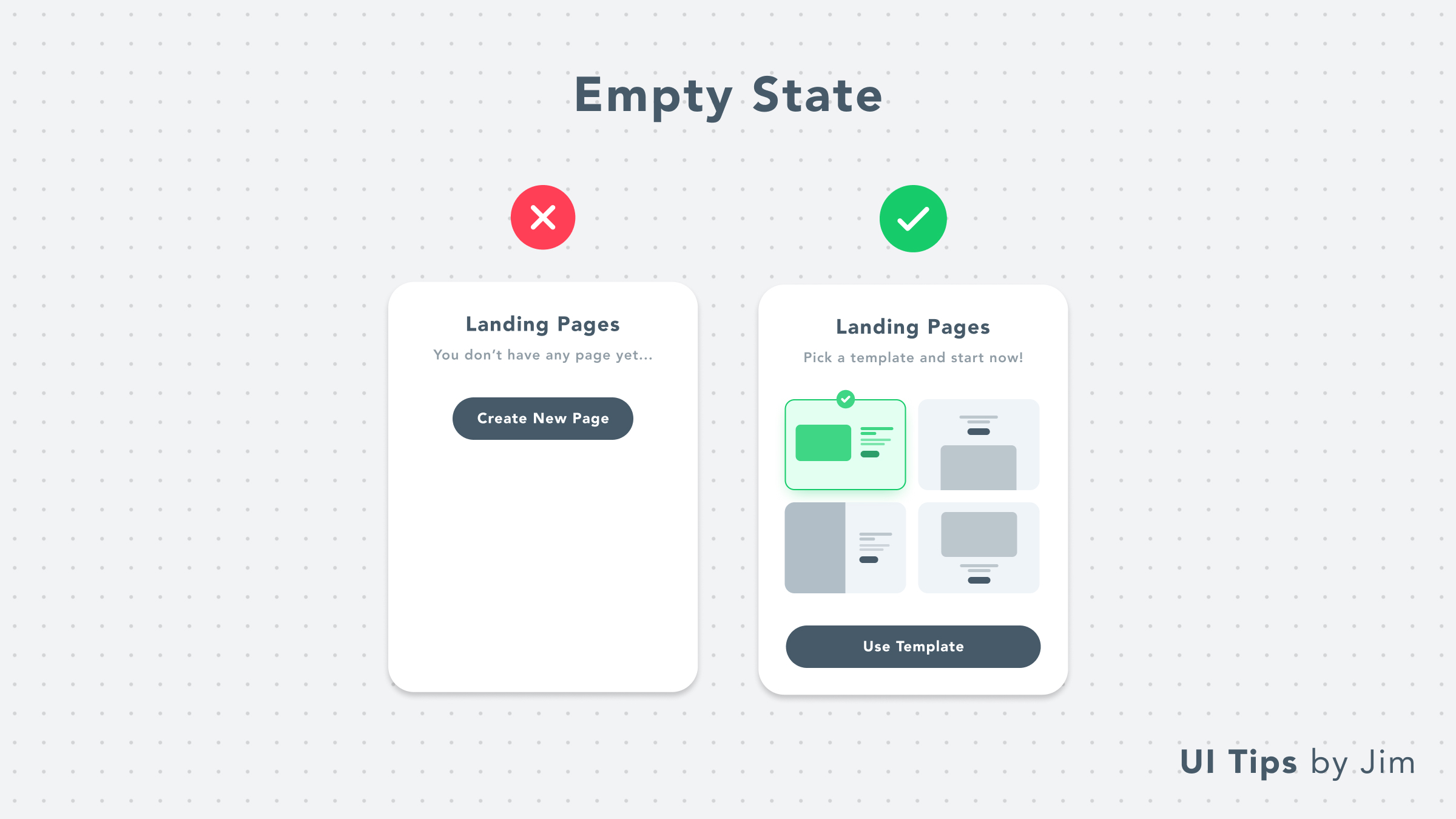
Empty State With Templates

Inform Users Beforehand
How to Align Uneven Items
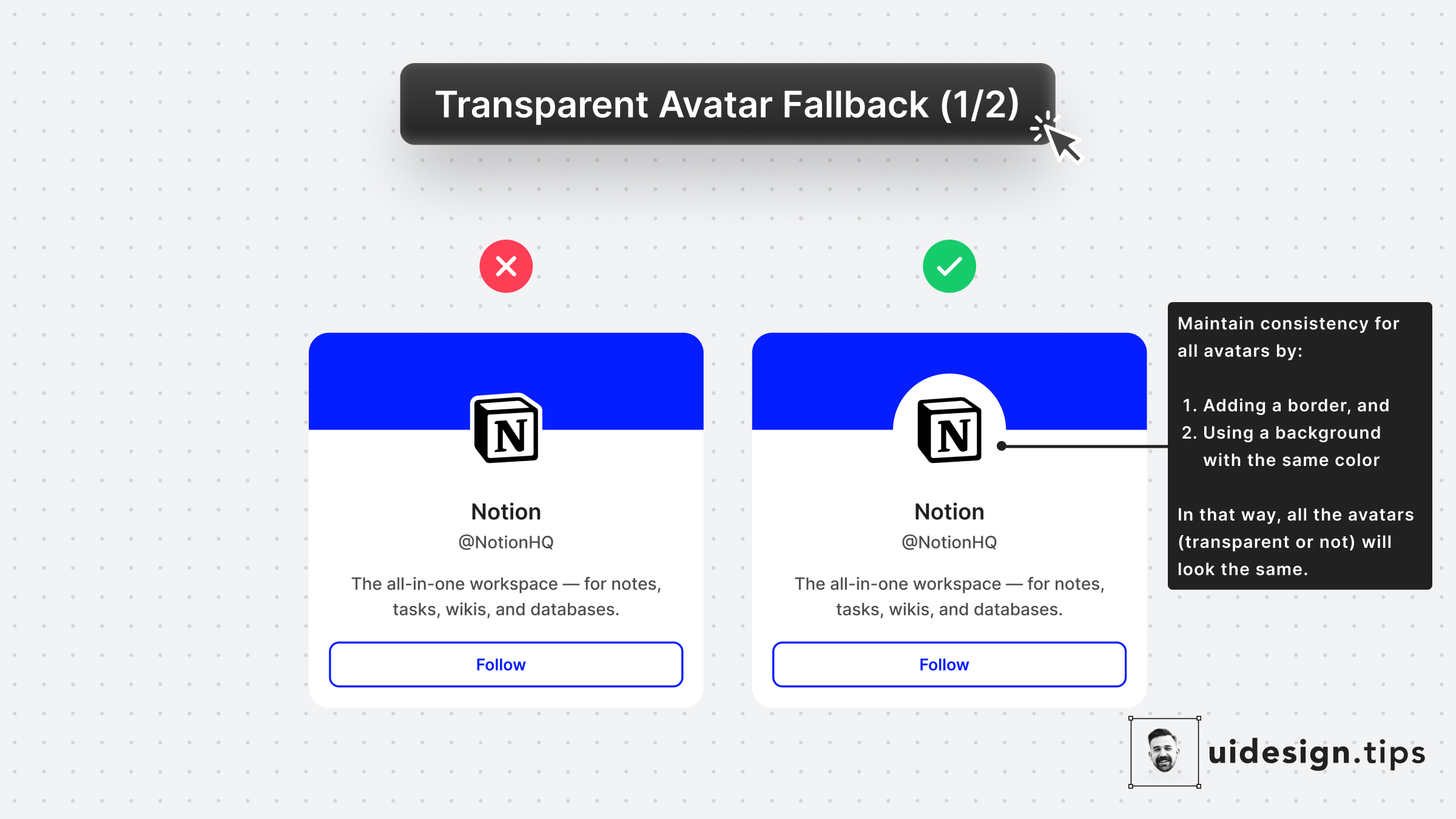
Fallback for Transparent Avatars 1
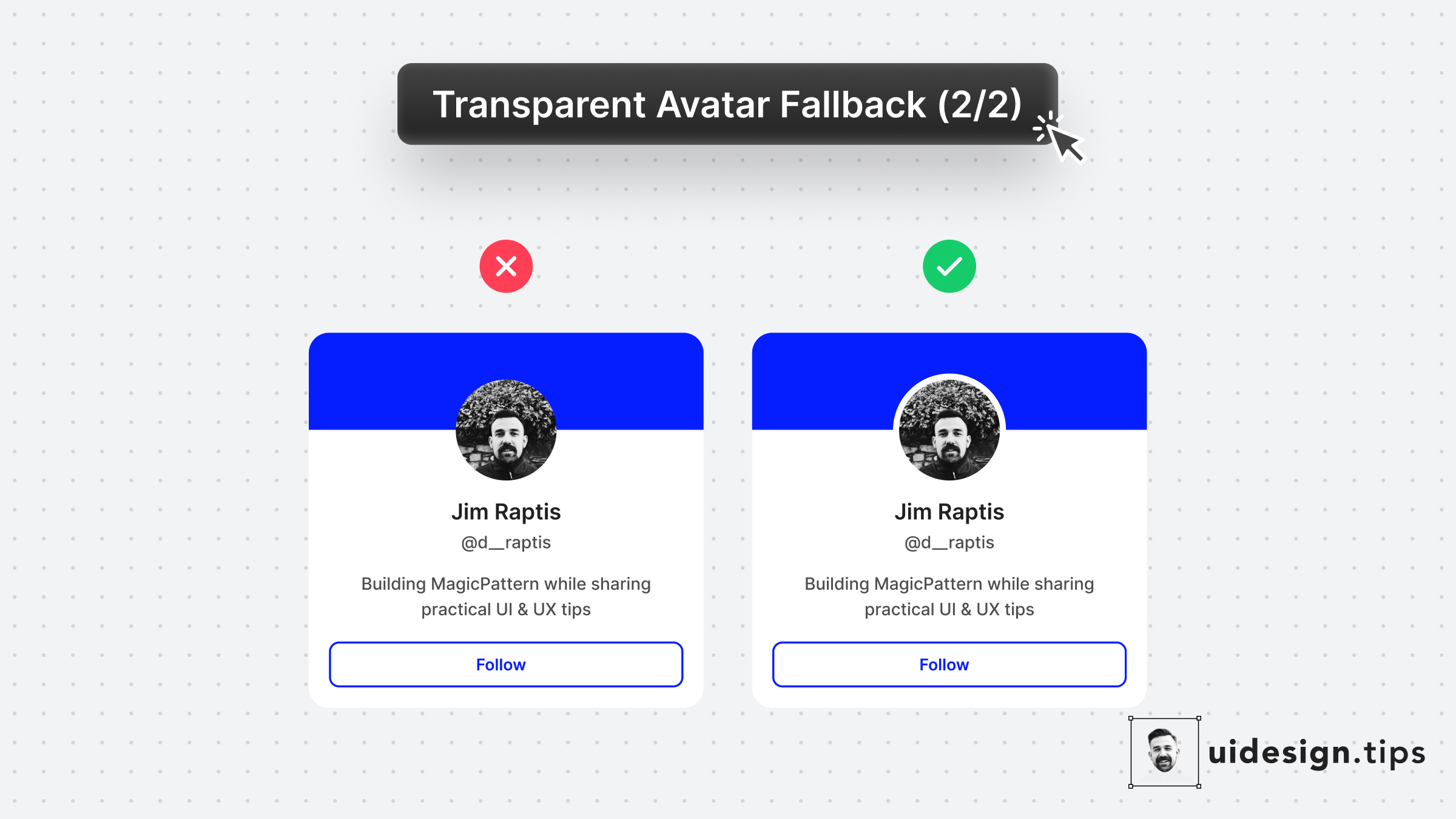
Fallback for Transparent Avatars 2
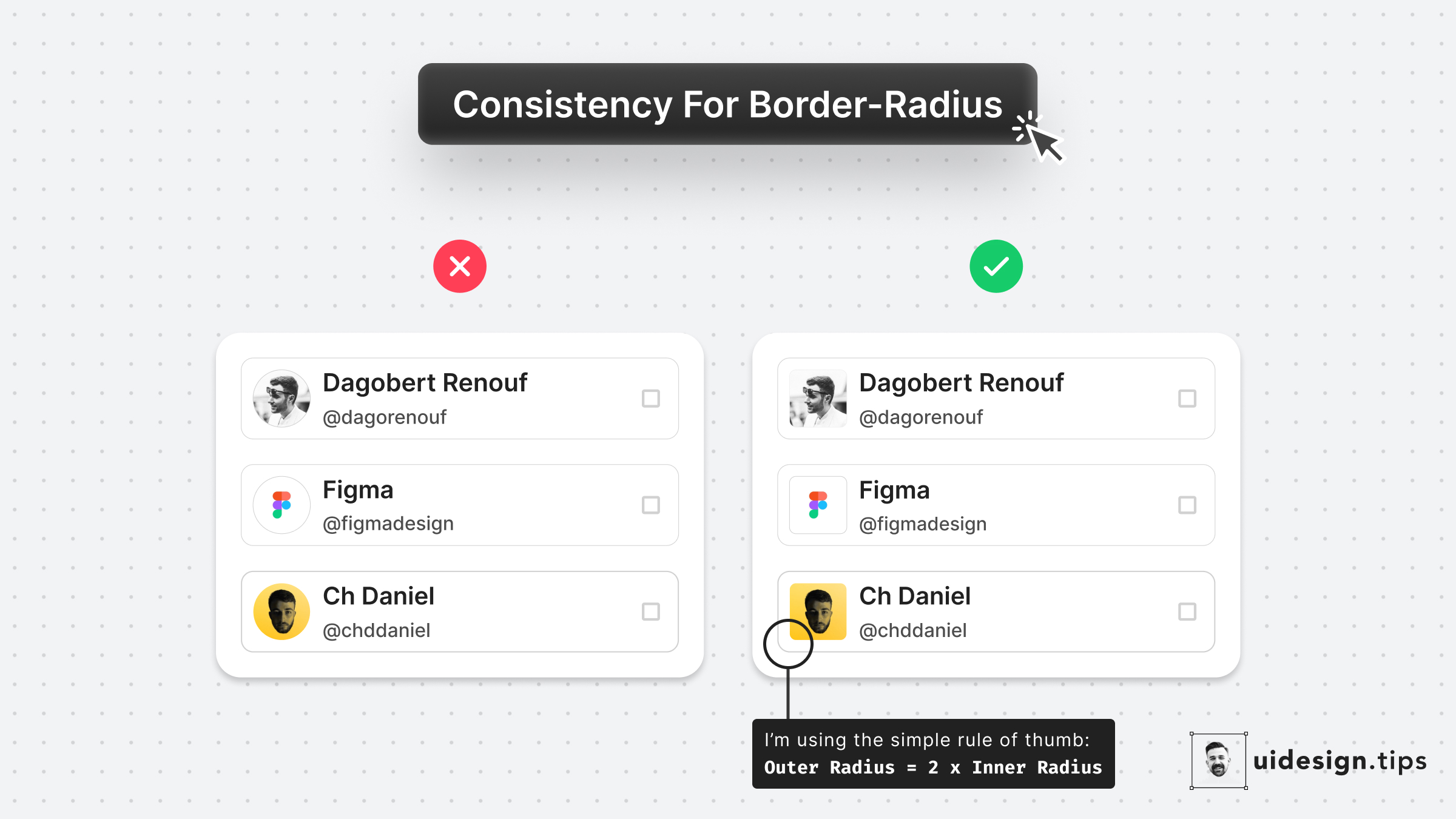
Consistent Border-Radius
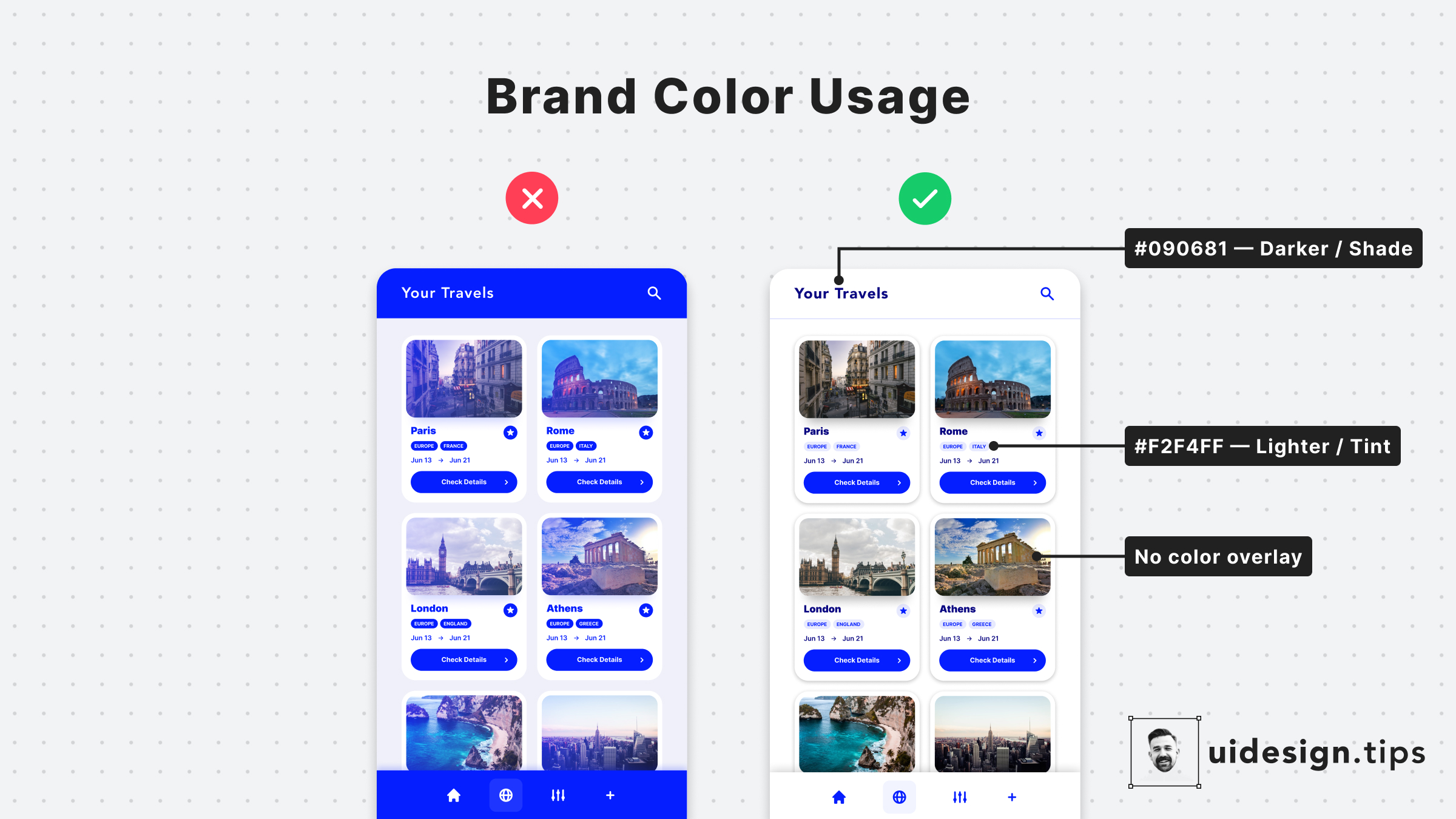
How to Apply the Brand Color
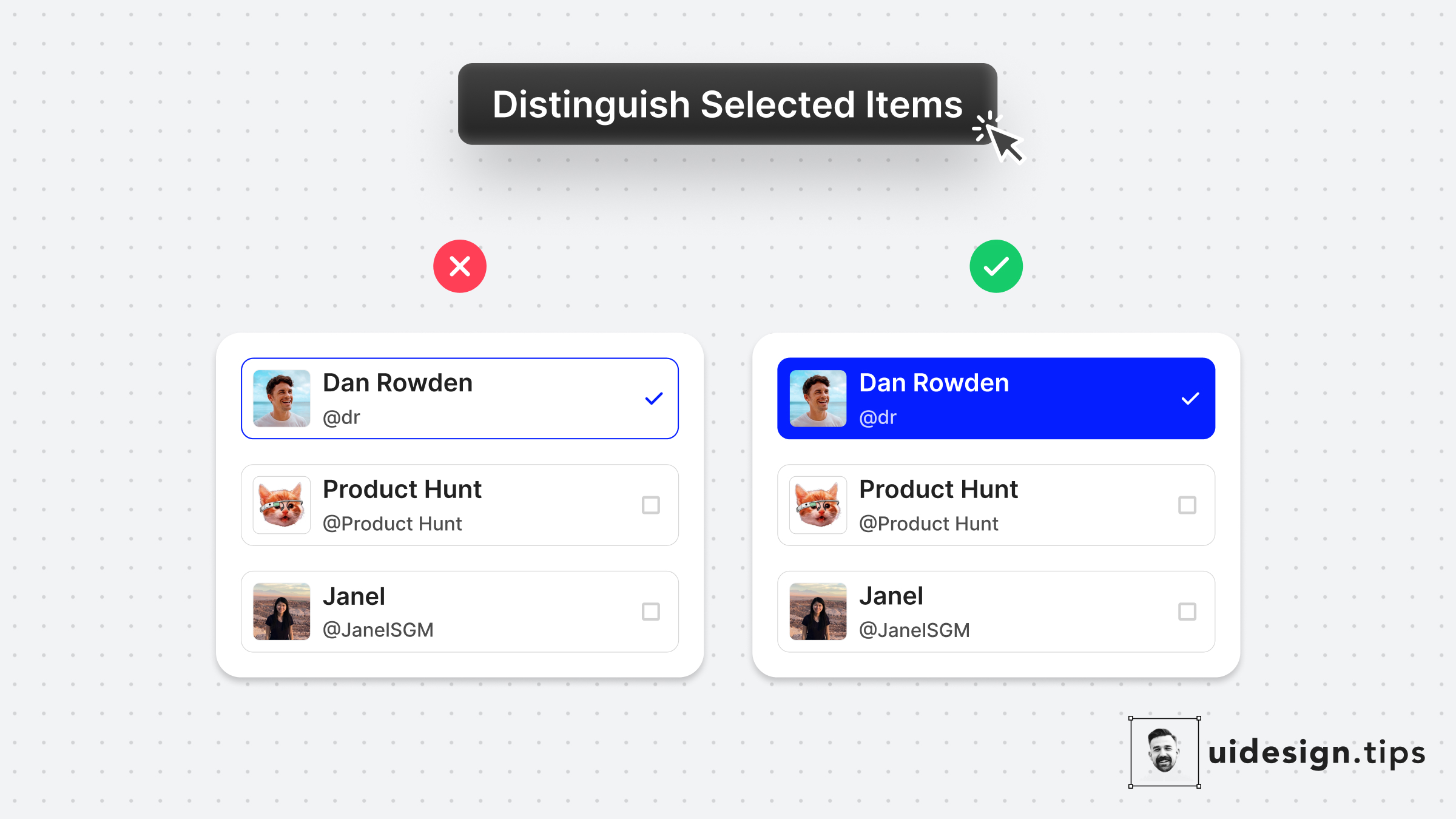
Distinguish Selected Items
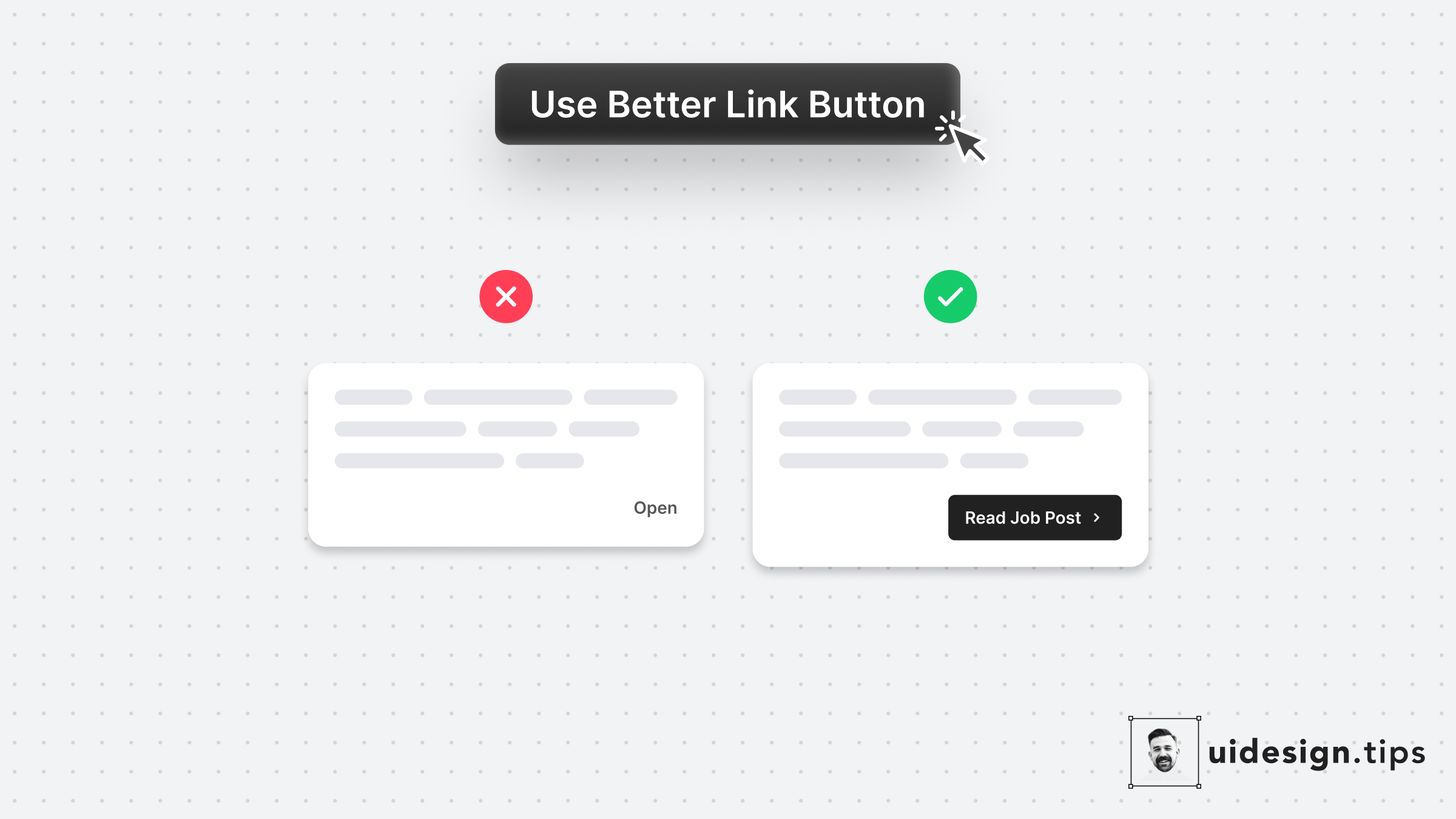
Use Better Link Button
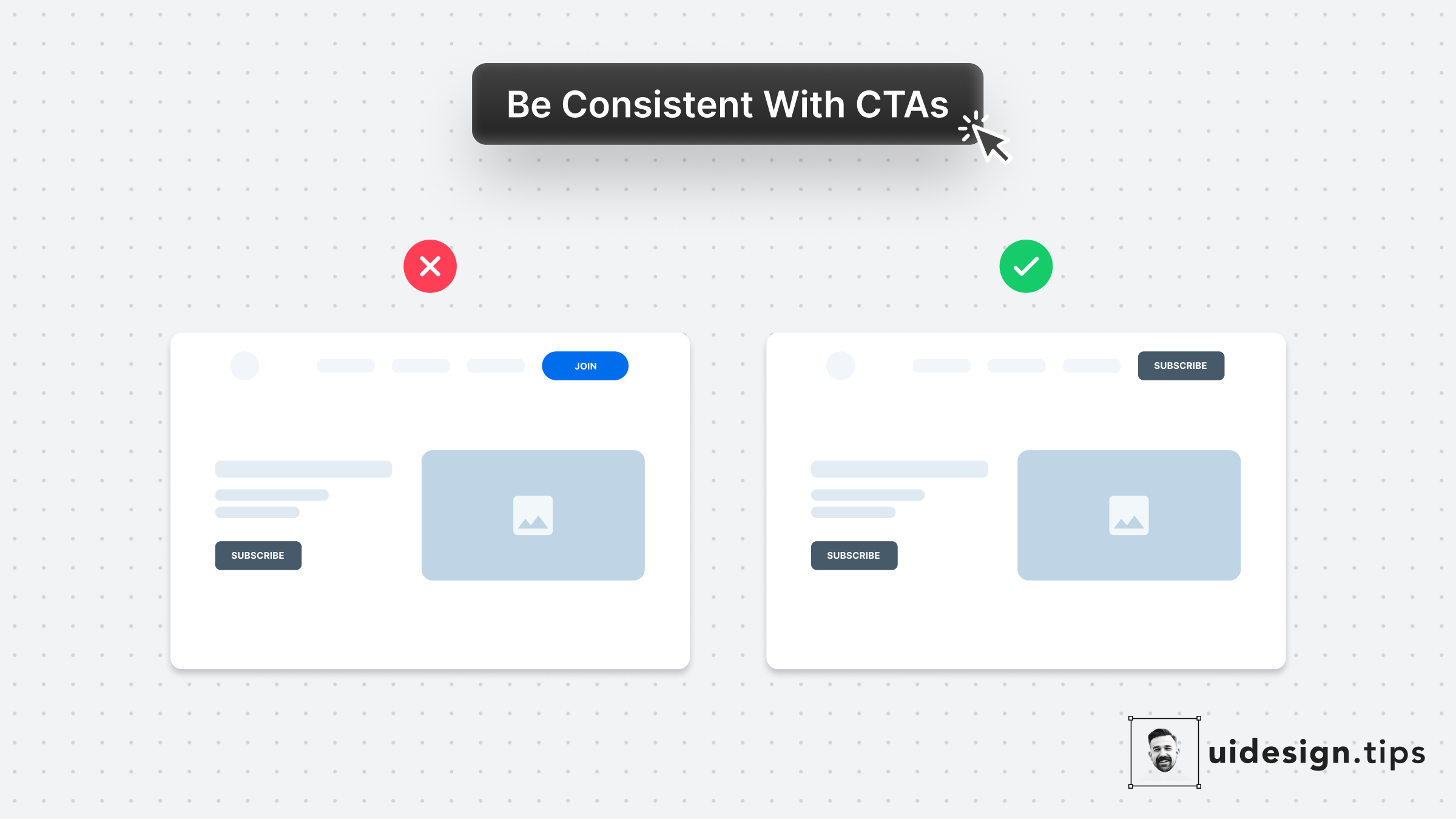
Use Consistent Buttons
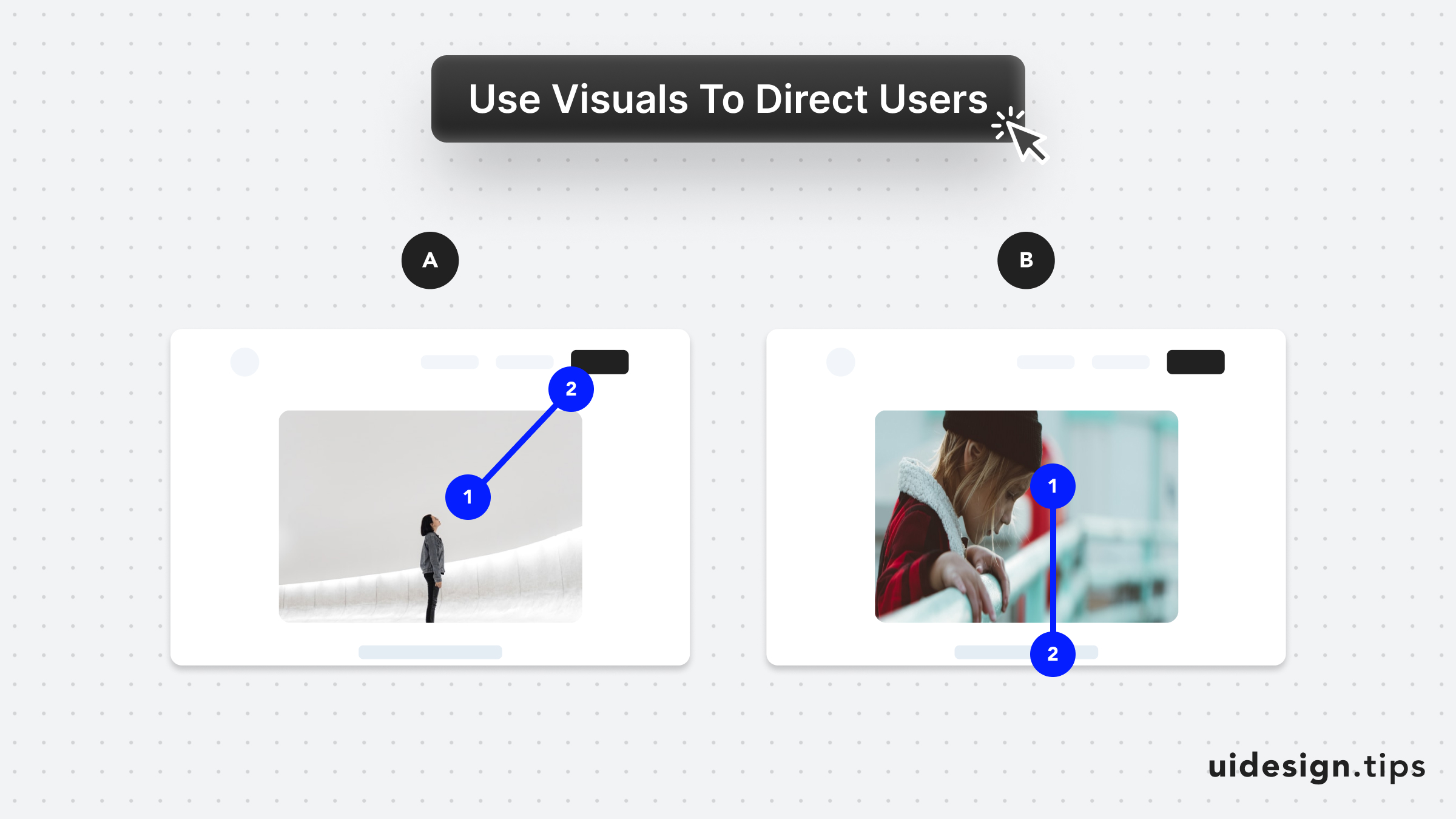
Direct User Attention with Media
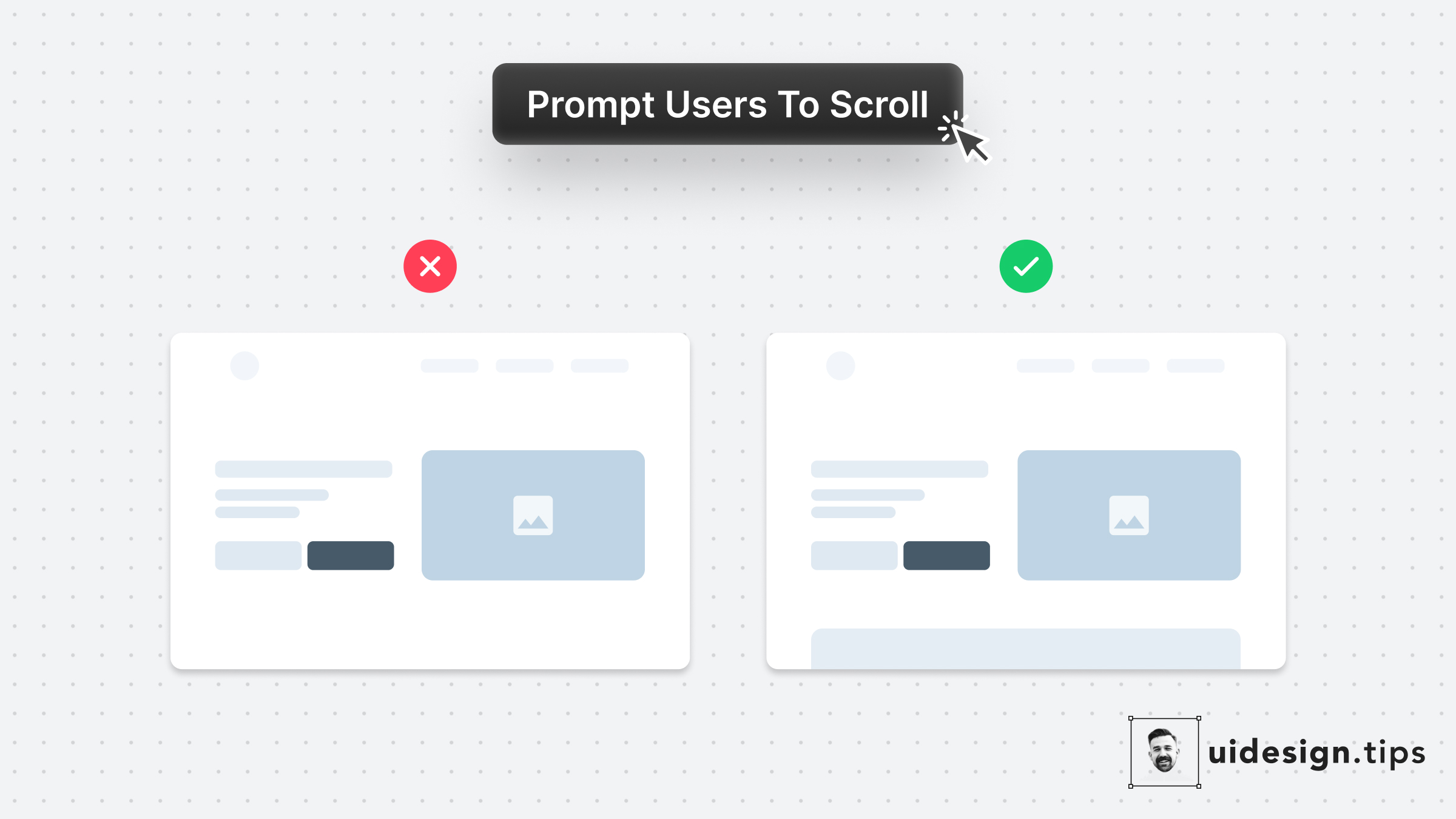
Prompt User to Scroll
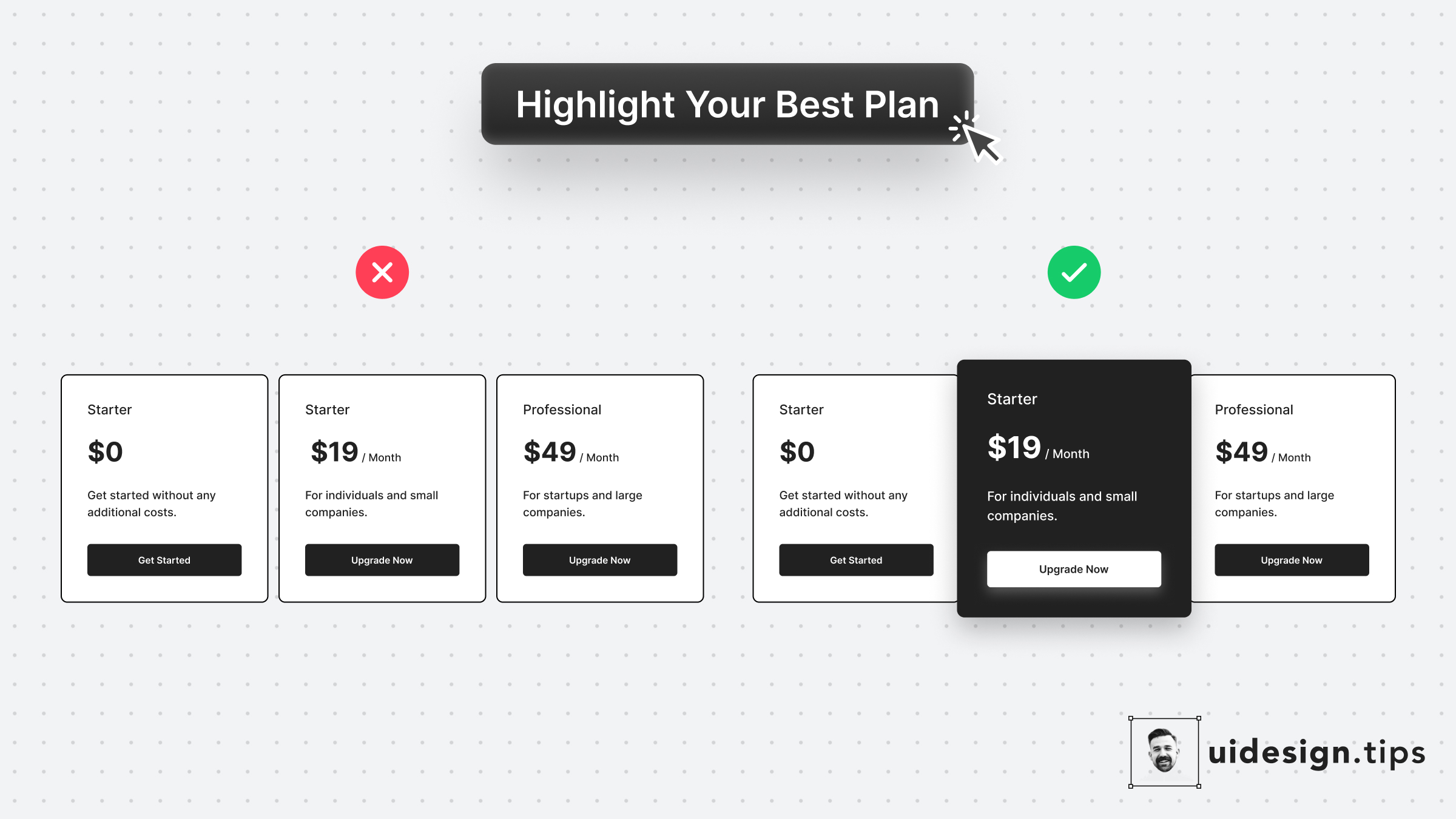
Highlight The Best Offer
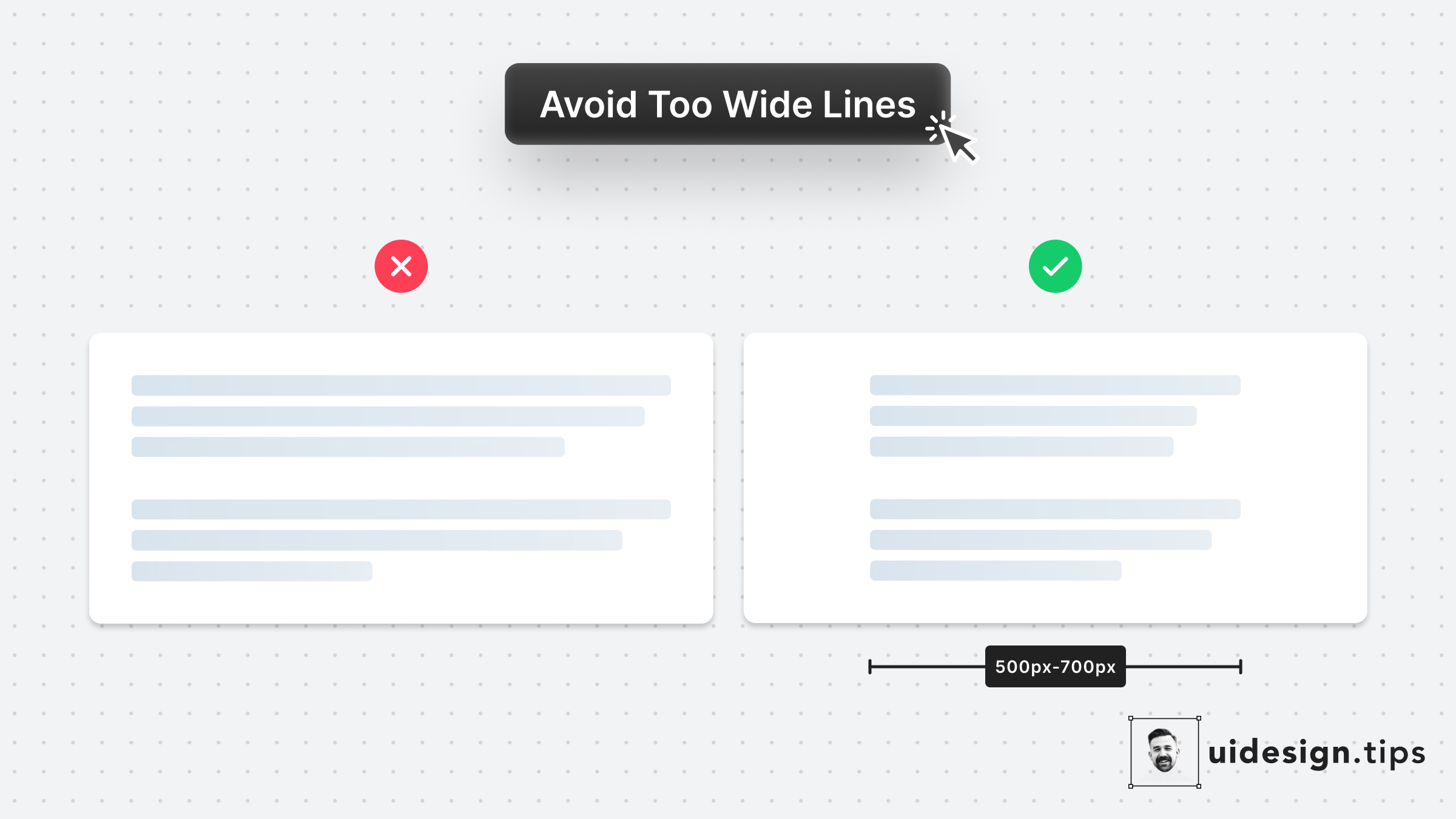
Avoid Fullwidth Paragraphs
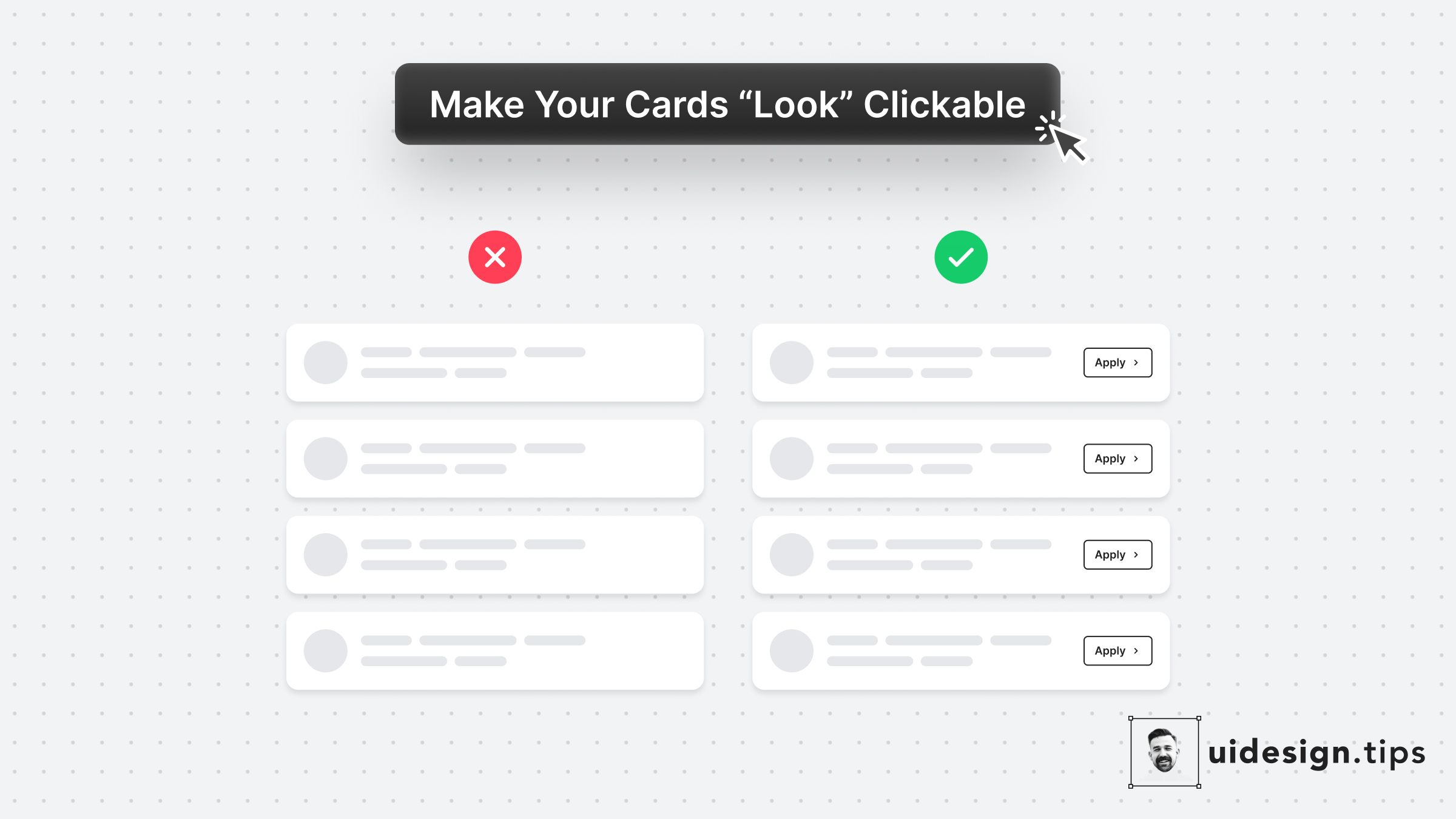
Make Cards Look Clickable
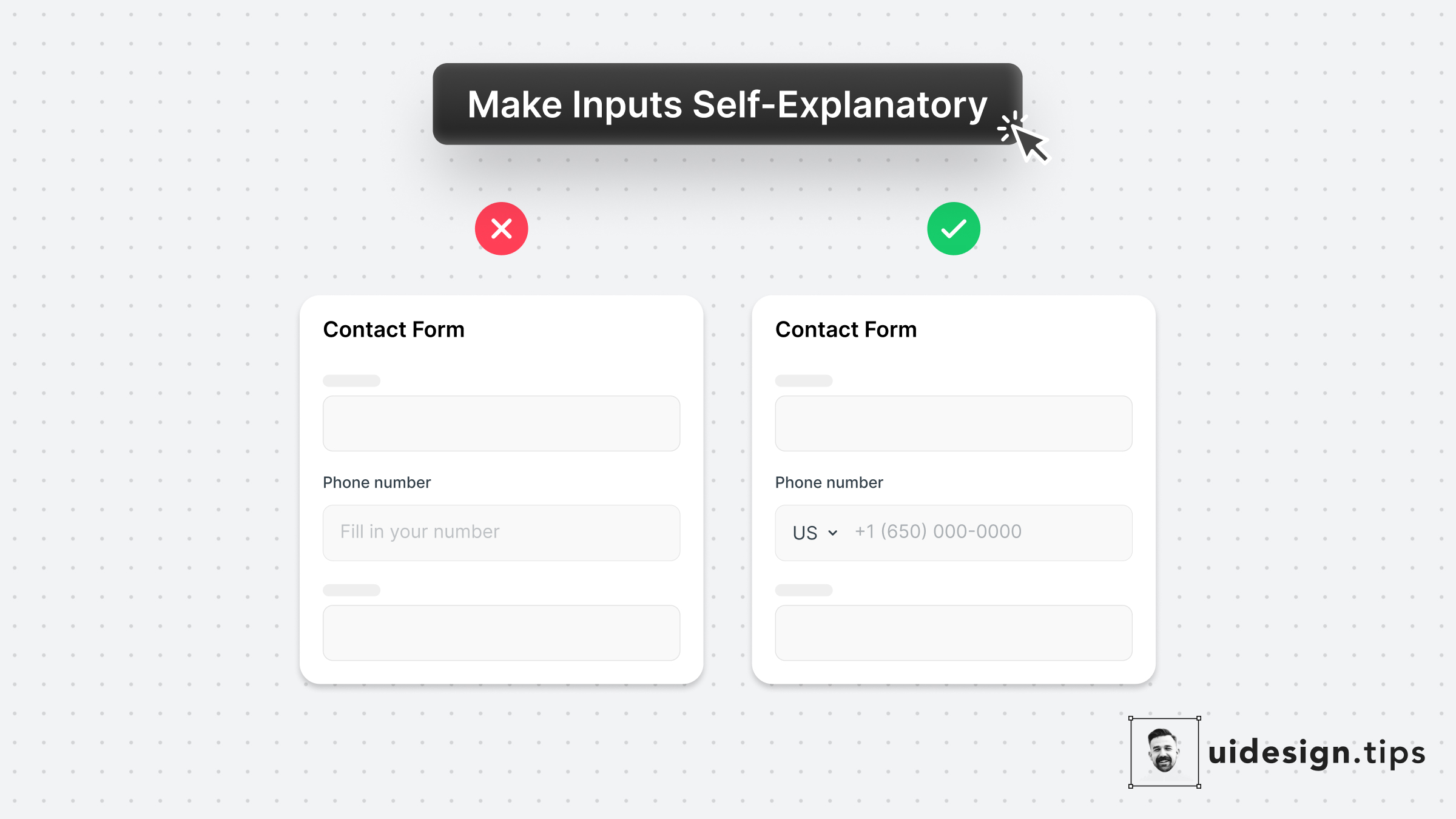
Make Inputs Self-Explanatory
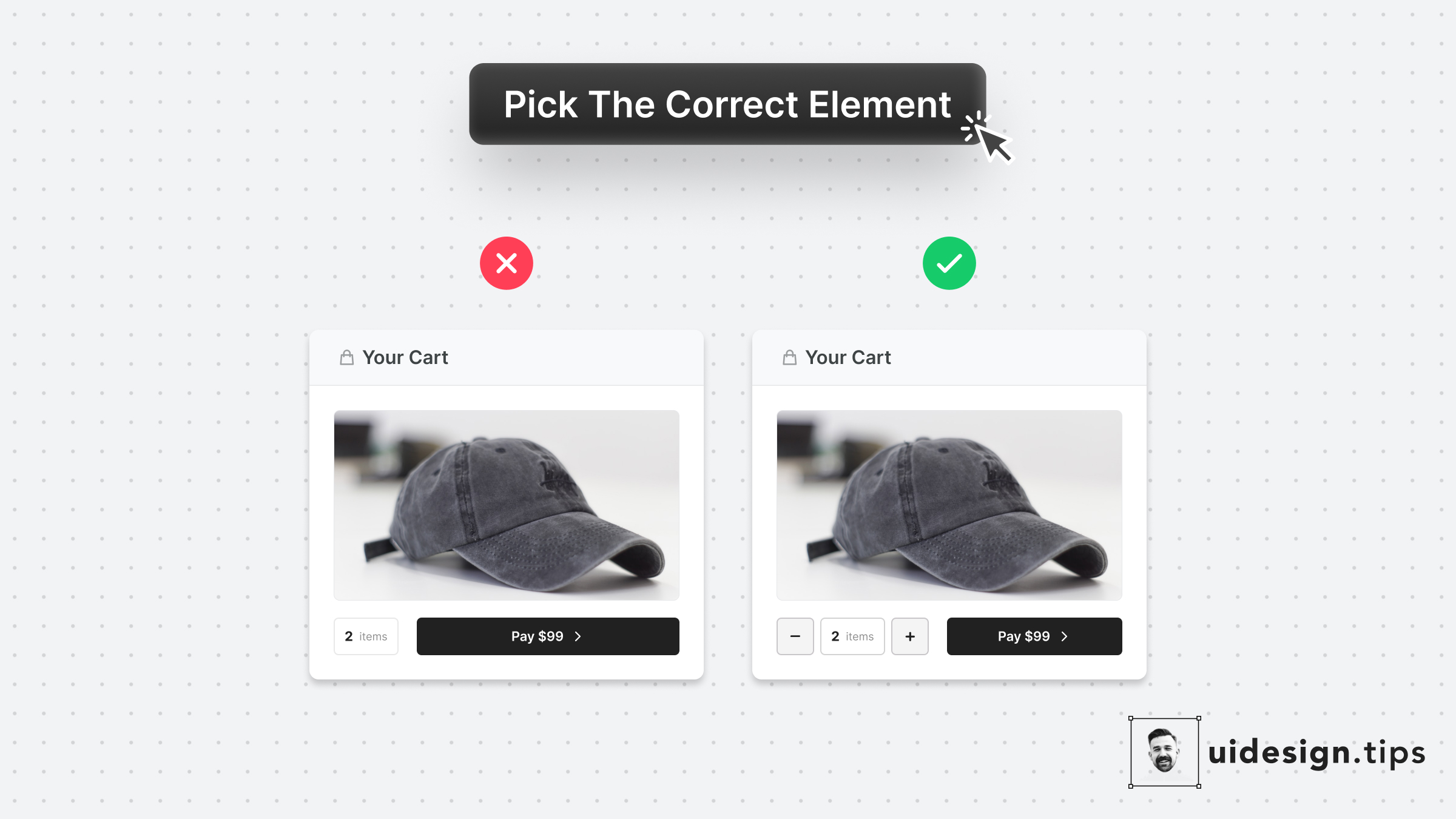
Pick The Correct Element

How To Enhance Hierarchy

Make Tooltips Responsive
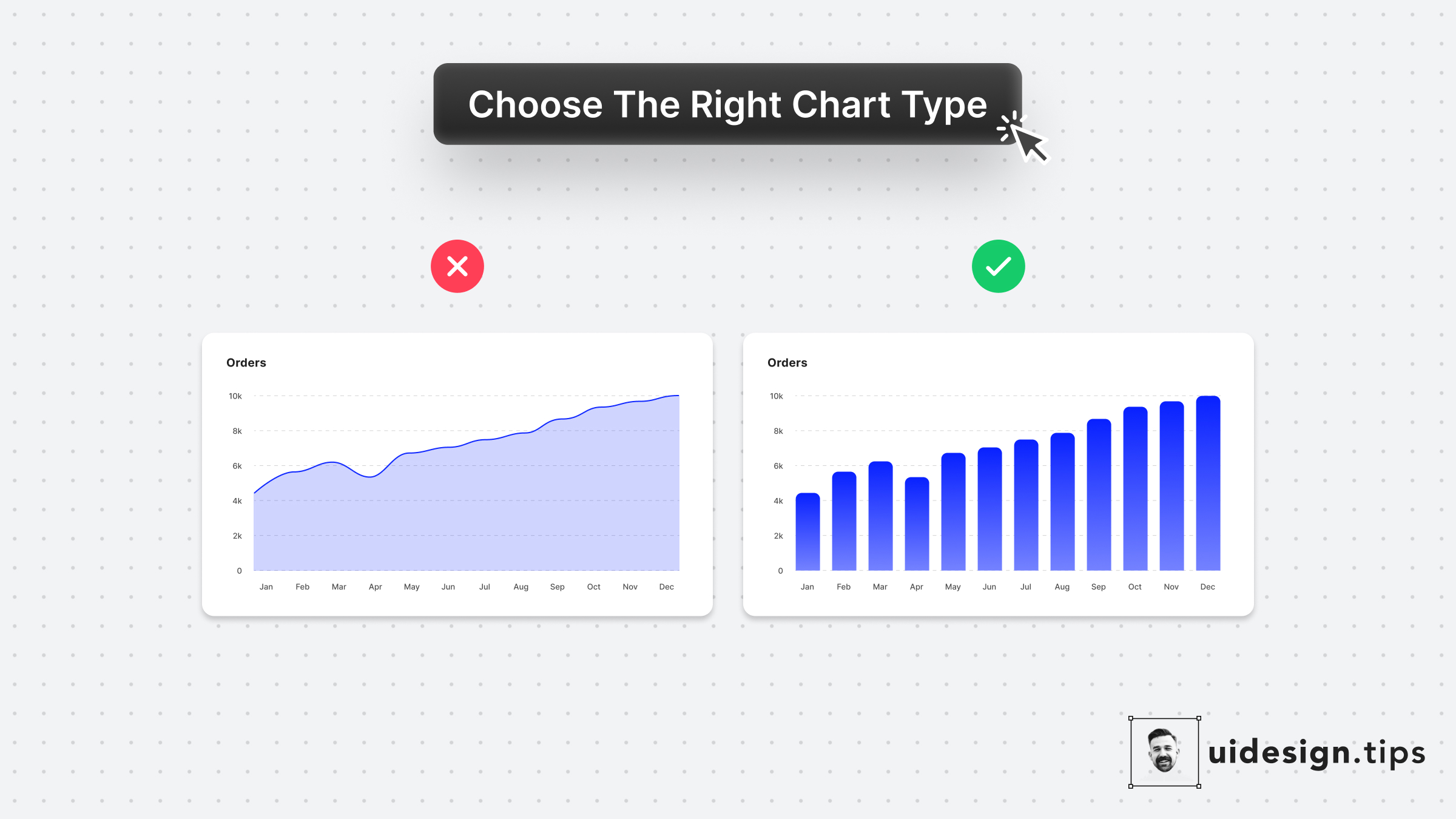
Choose Chart Types Carefully
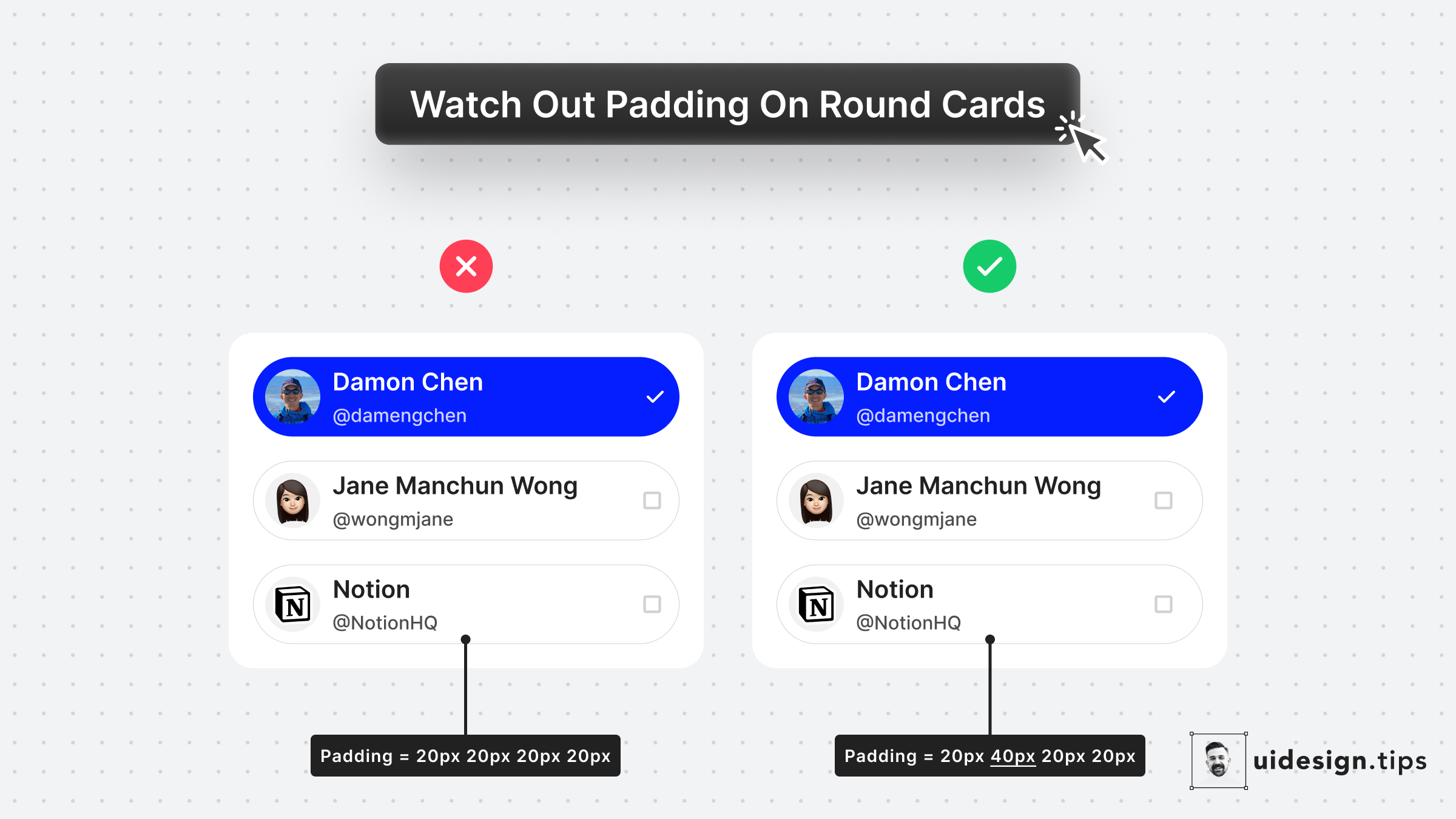
Padding On Rounded Cards
Visually Distinguish Elements
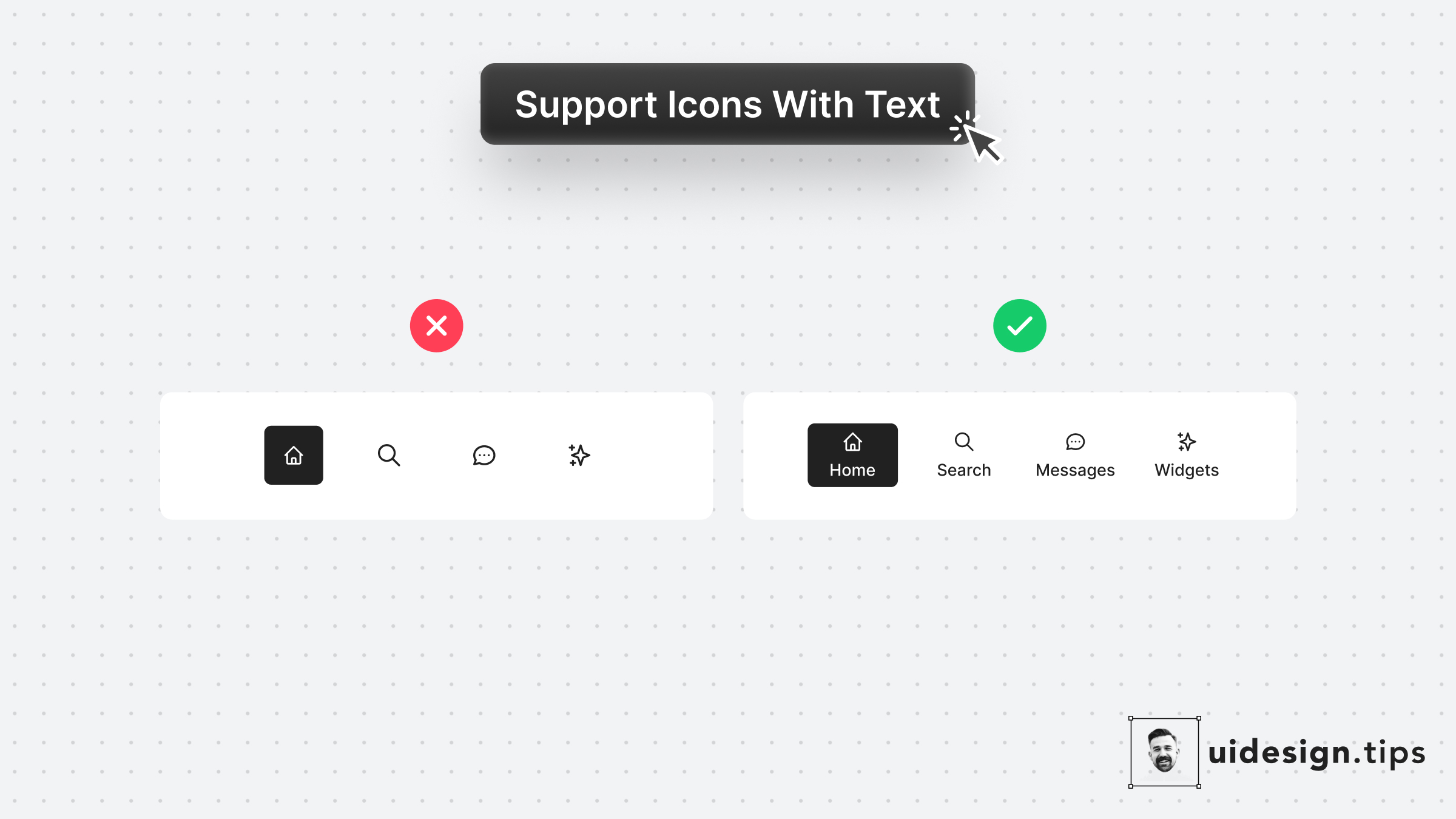
Support Icons With Labels
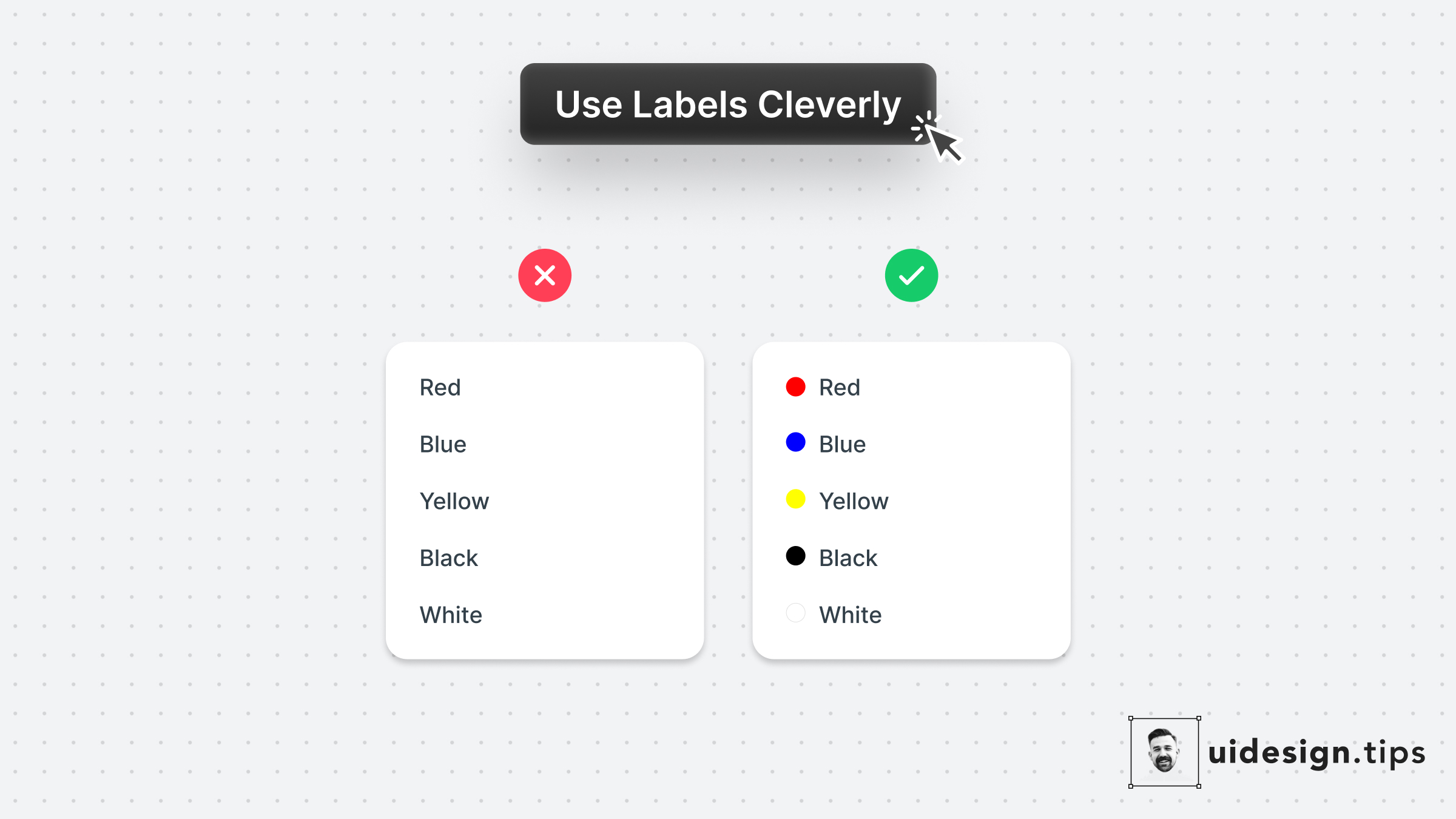
Use Labels Cleverly 2
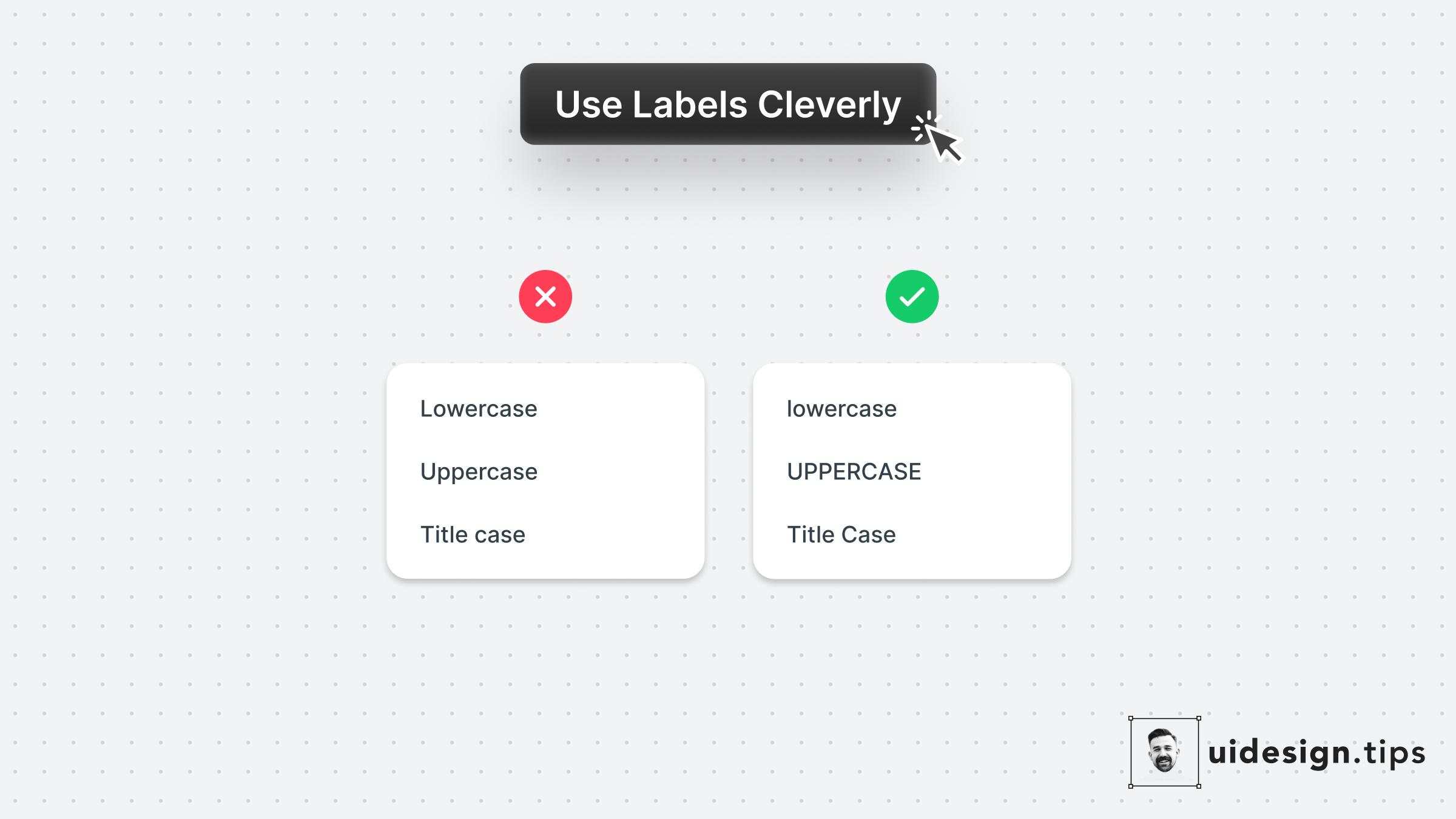
Use Labels Cleverly 1
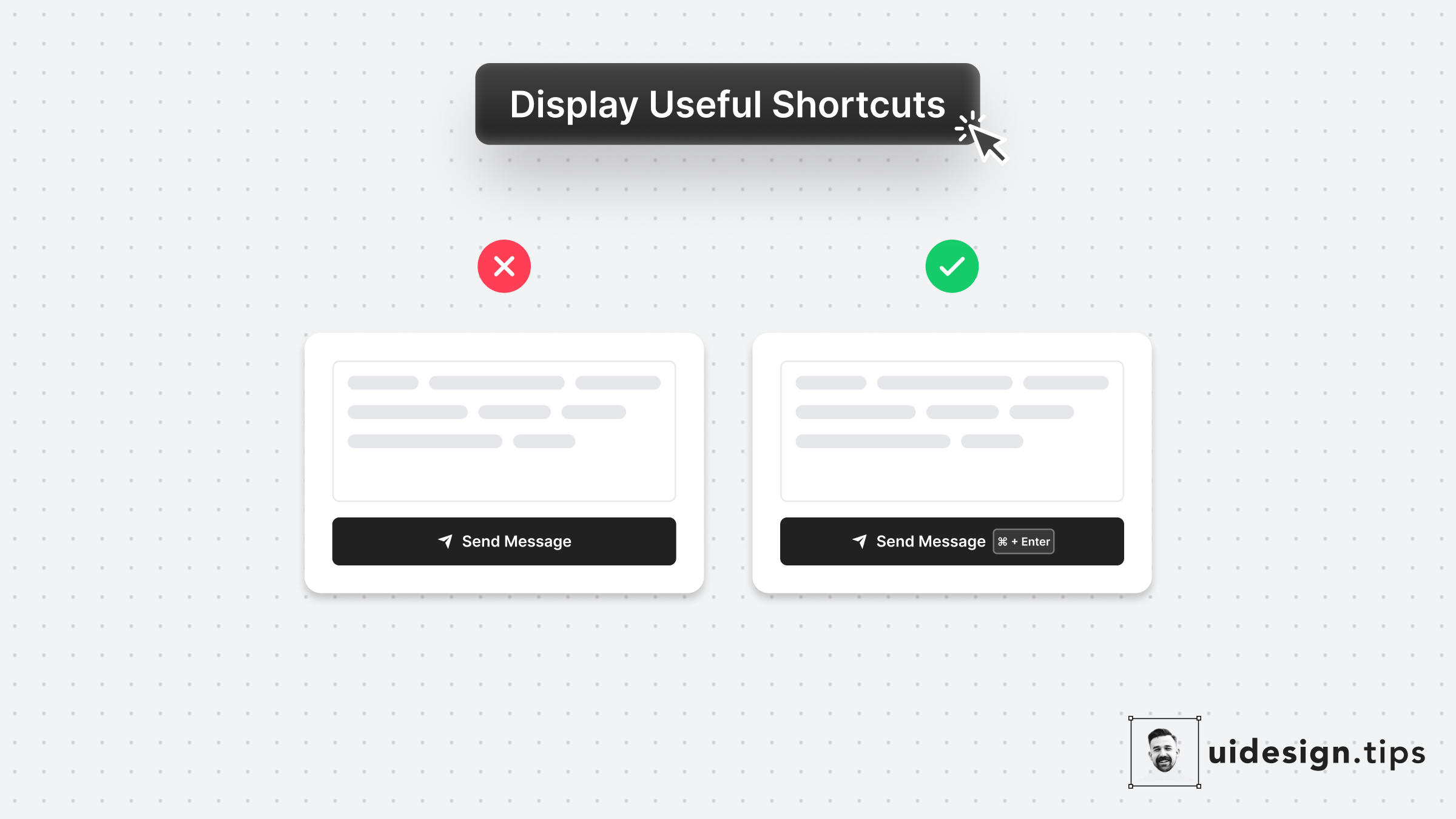
Display Useful Shortcuts
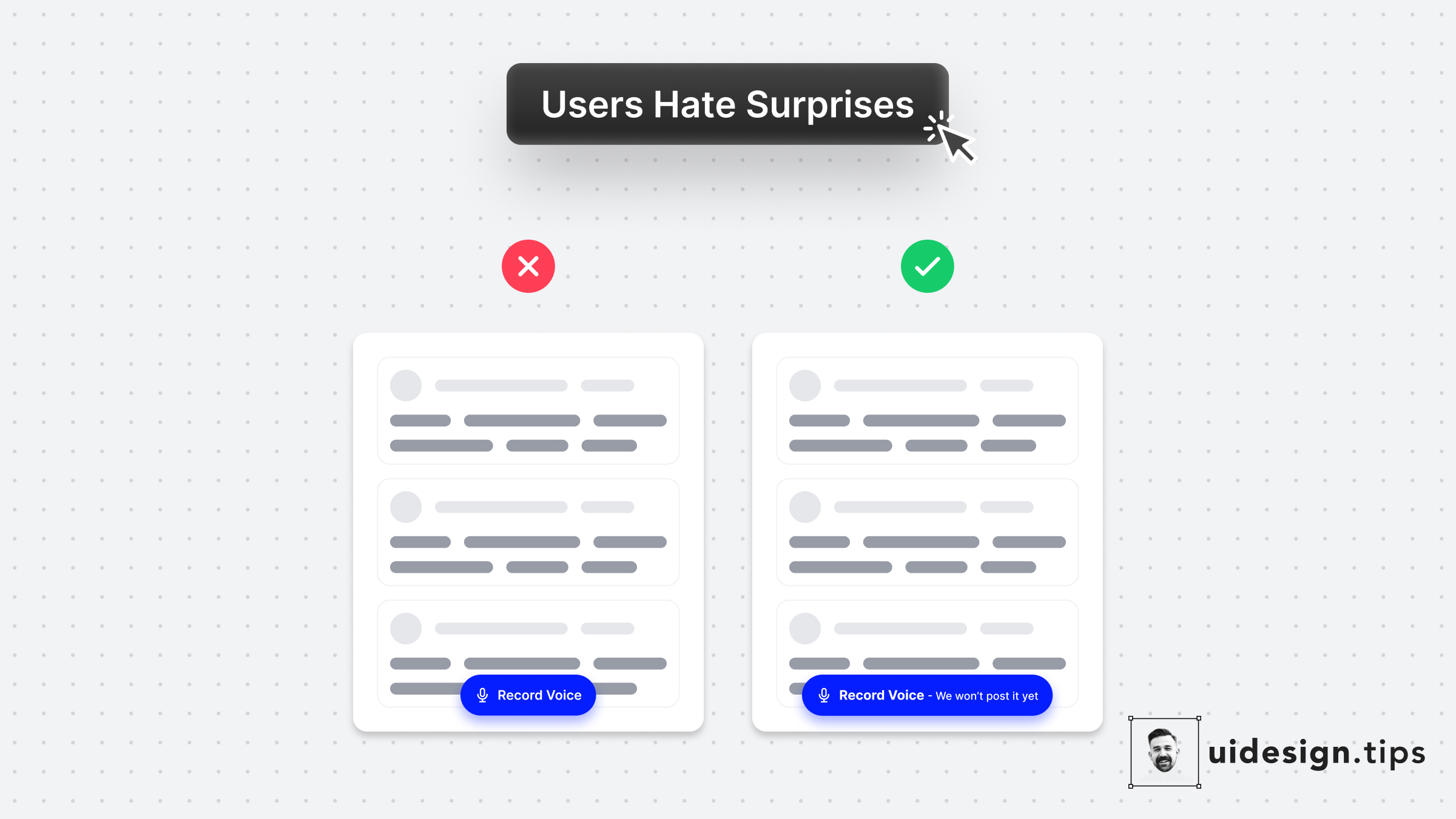
User Hate Surprises
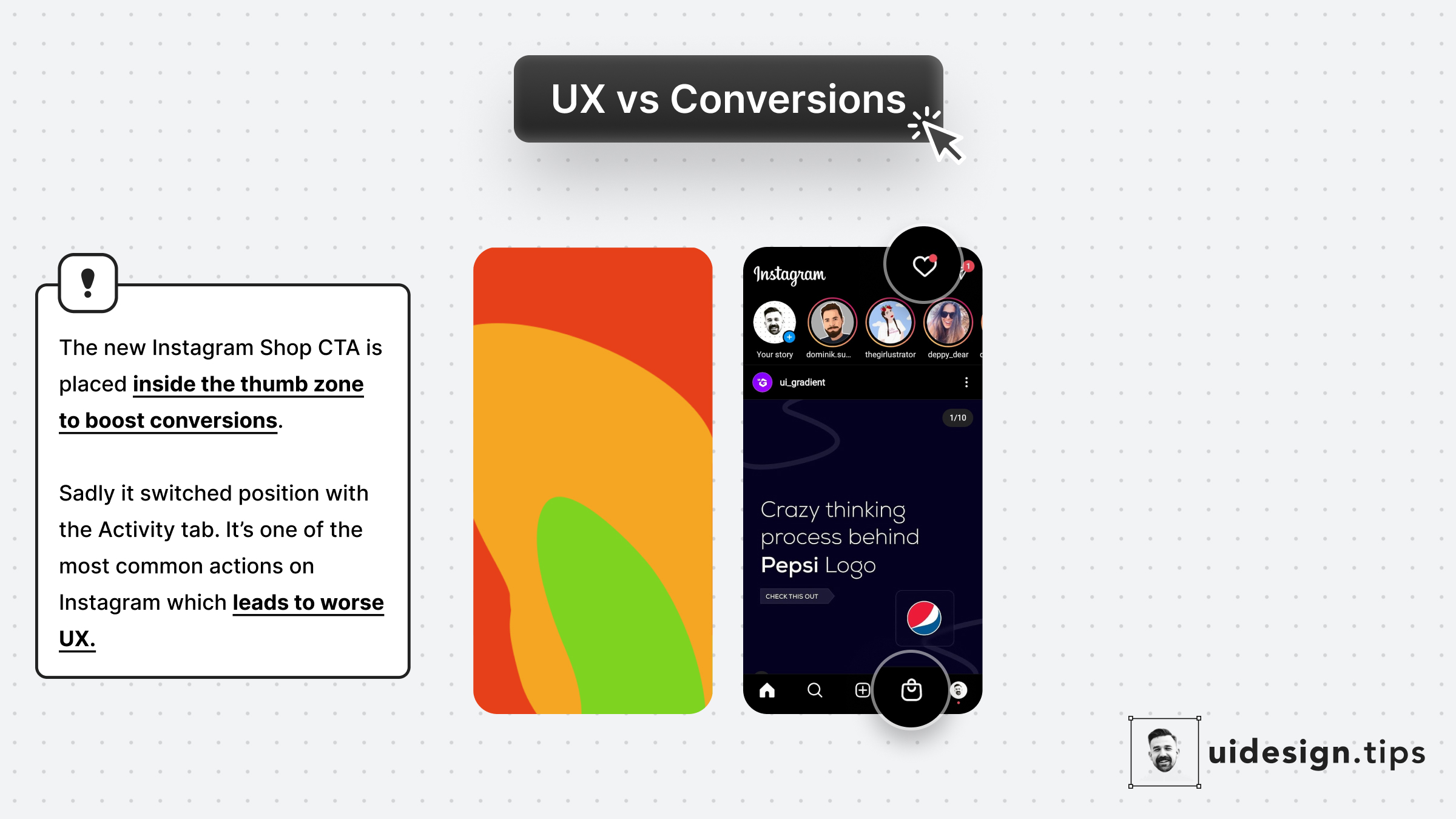
Prioritize UX
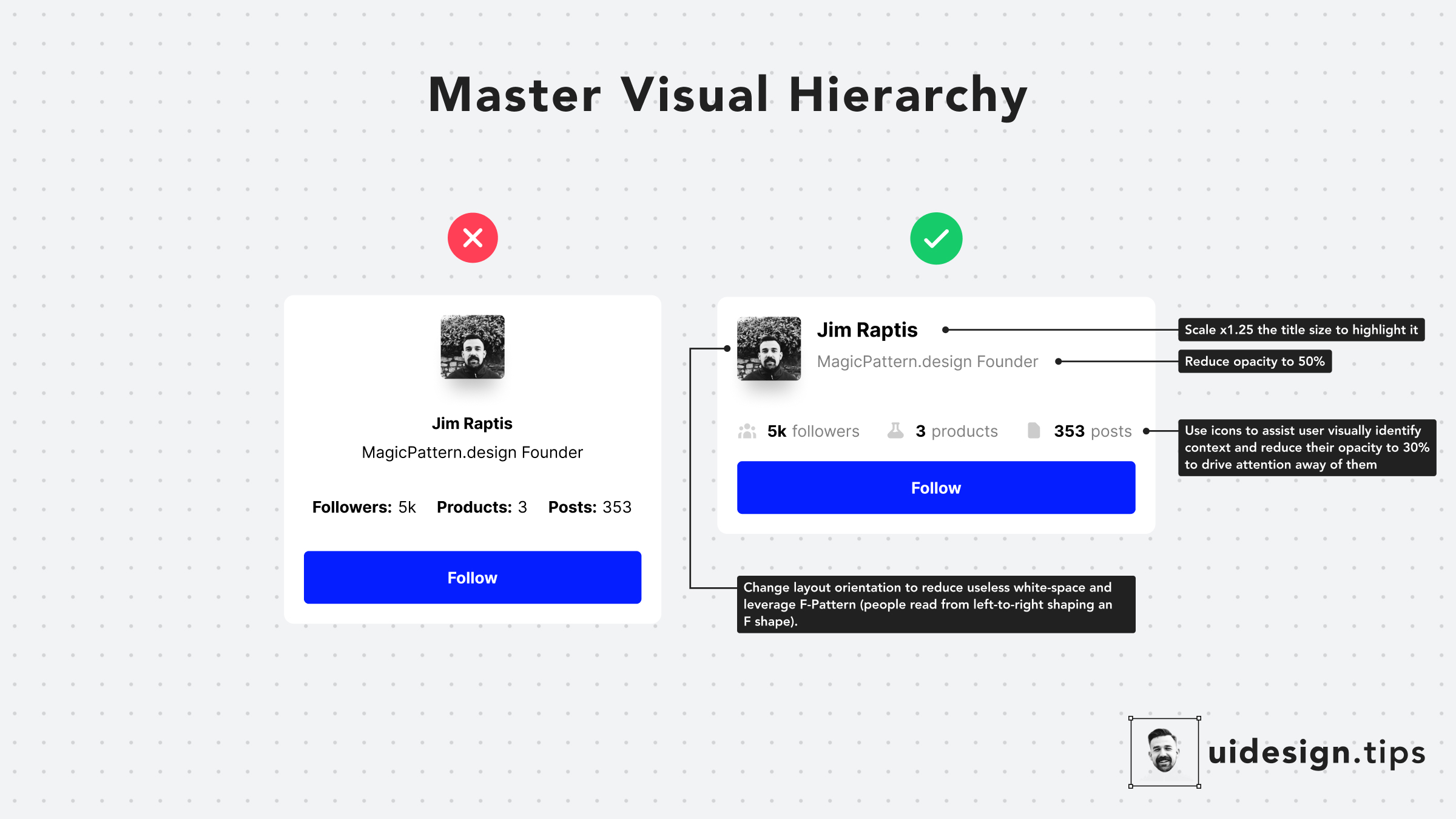
Hack Visual Hierarchy
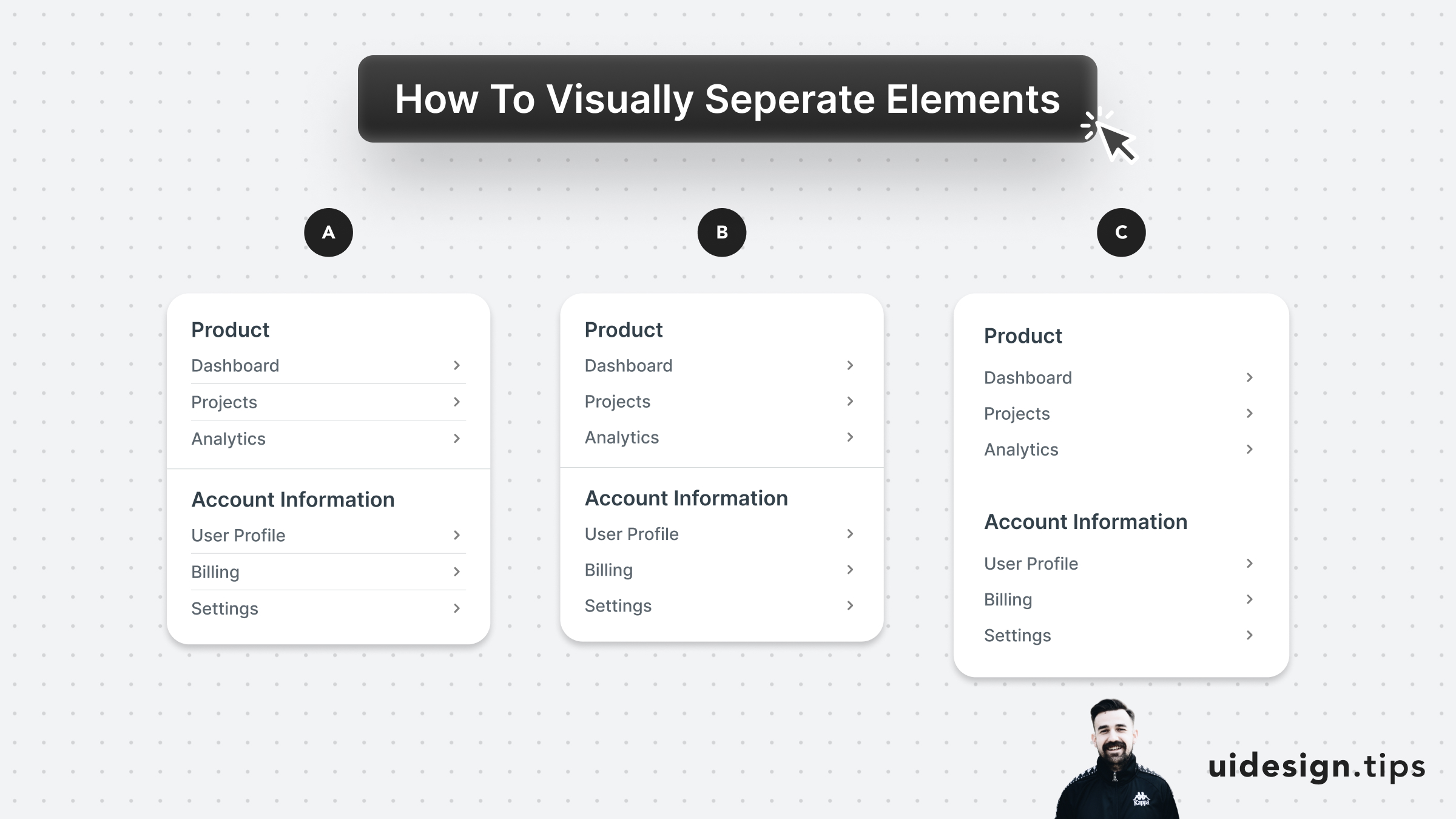
Visually Separate Elements
Frequently asked questions about UI design tips
What are UI design tips?
UI design tips are short, practical guidelines that help you design clearer, more usable interfaces — covering spacing, color, typography, hierarchy, buttons, and cards. Each tip targets one common mistake and shows a before/after example you can apply immediately.
How can I improve my UI design skills?
Improve your UI design by studying real product examples, applying one focused principle at a time, and reviewing your work against consistent rules for spacing, alignment, contrast, and visual hierarchy. Practicing with small, tested tips builds intuition faster than redesigning everything at once.
What is the difference between UI and UX design?
UI design focuses on the visual interface — layout, color, typography, and components — while UX design focuses on the overall experience, flows, and how easily users reach their goals. Great products need both: a clear interface and a smooth experience.
Are these UI tips suitable for beginners?
Yes. Every tip is byte-sized and example-driven, so beginners can apply it right away, while experienced designers can use the collection as a quick reference and checklist.
Become a Better Designer.
The Fun way.
Join 100s of developers, entrepreneurs & junior designers who strive to become better in UI & UX design with byte-sized, practical tips & examples!
Get notified about new tips & articles before anyone else!
"
I love these little tips. It’s like Dribbble but actually useful.
Martin LeBlanc
CEO of Iconfinder
"
I love UX & UI tips. Especially, when they are practical and presented in a very good way. Yours are meeting both criteria.
Lisa Dziuba
Head of Marketing at Abstract